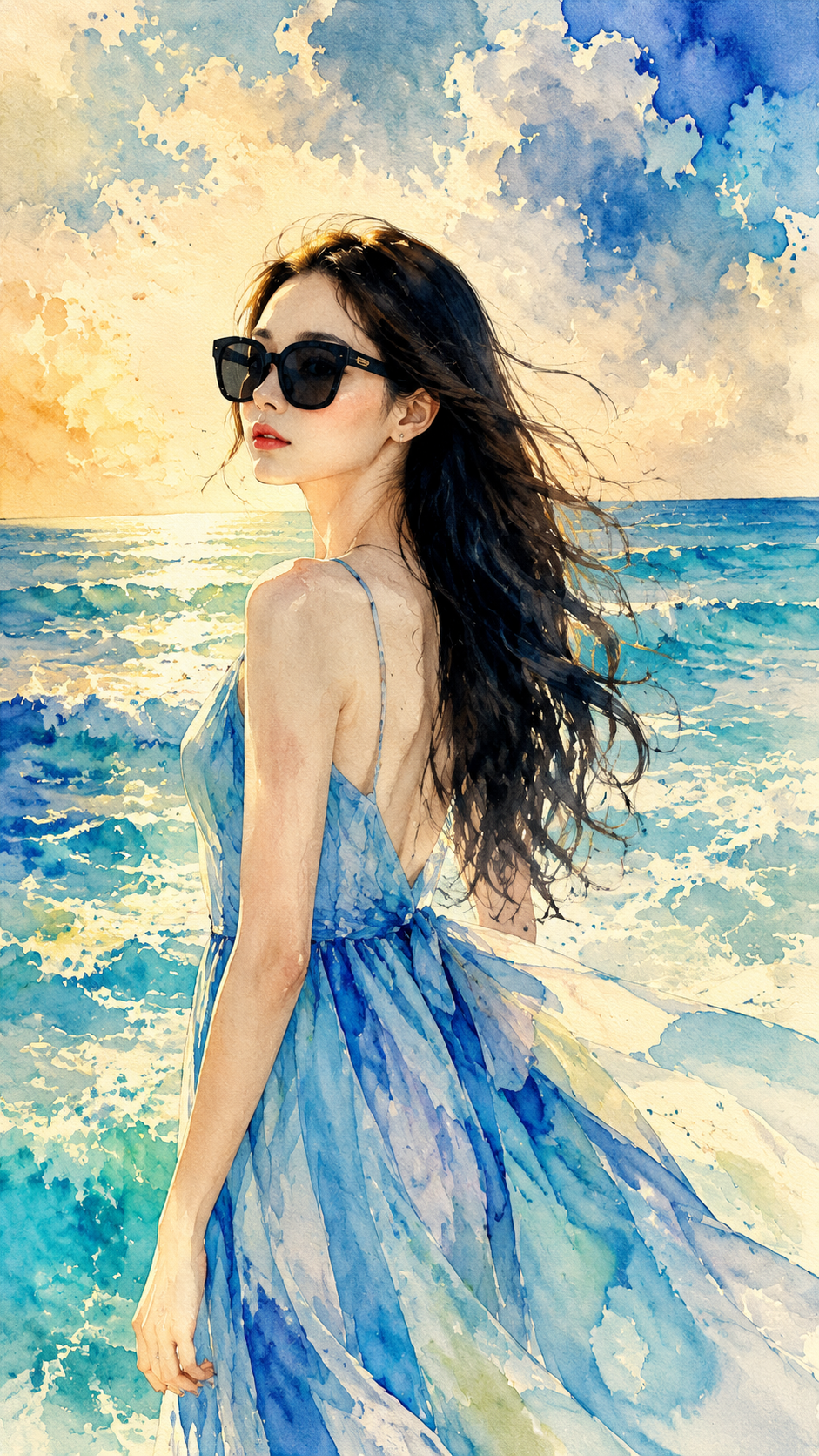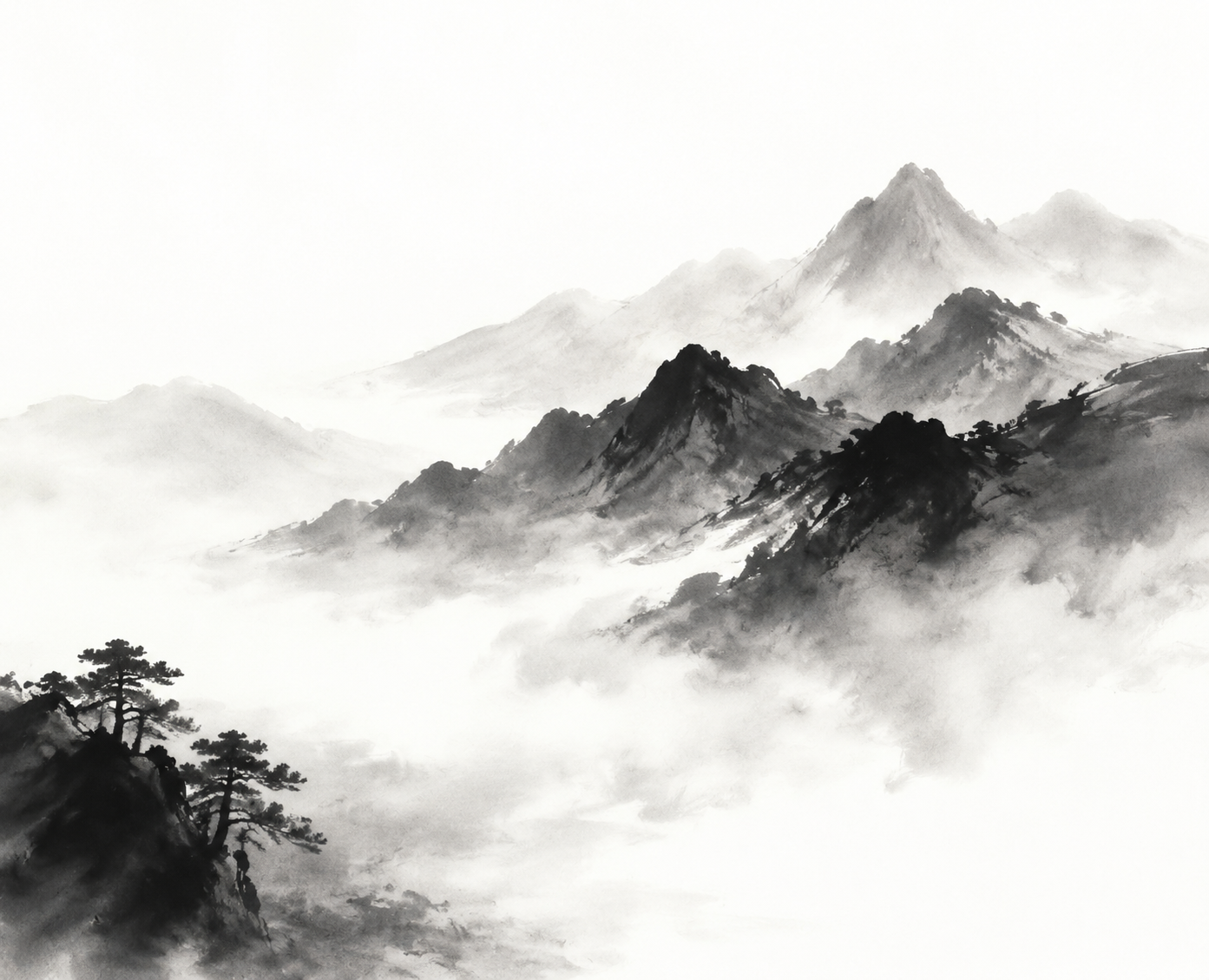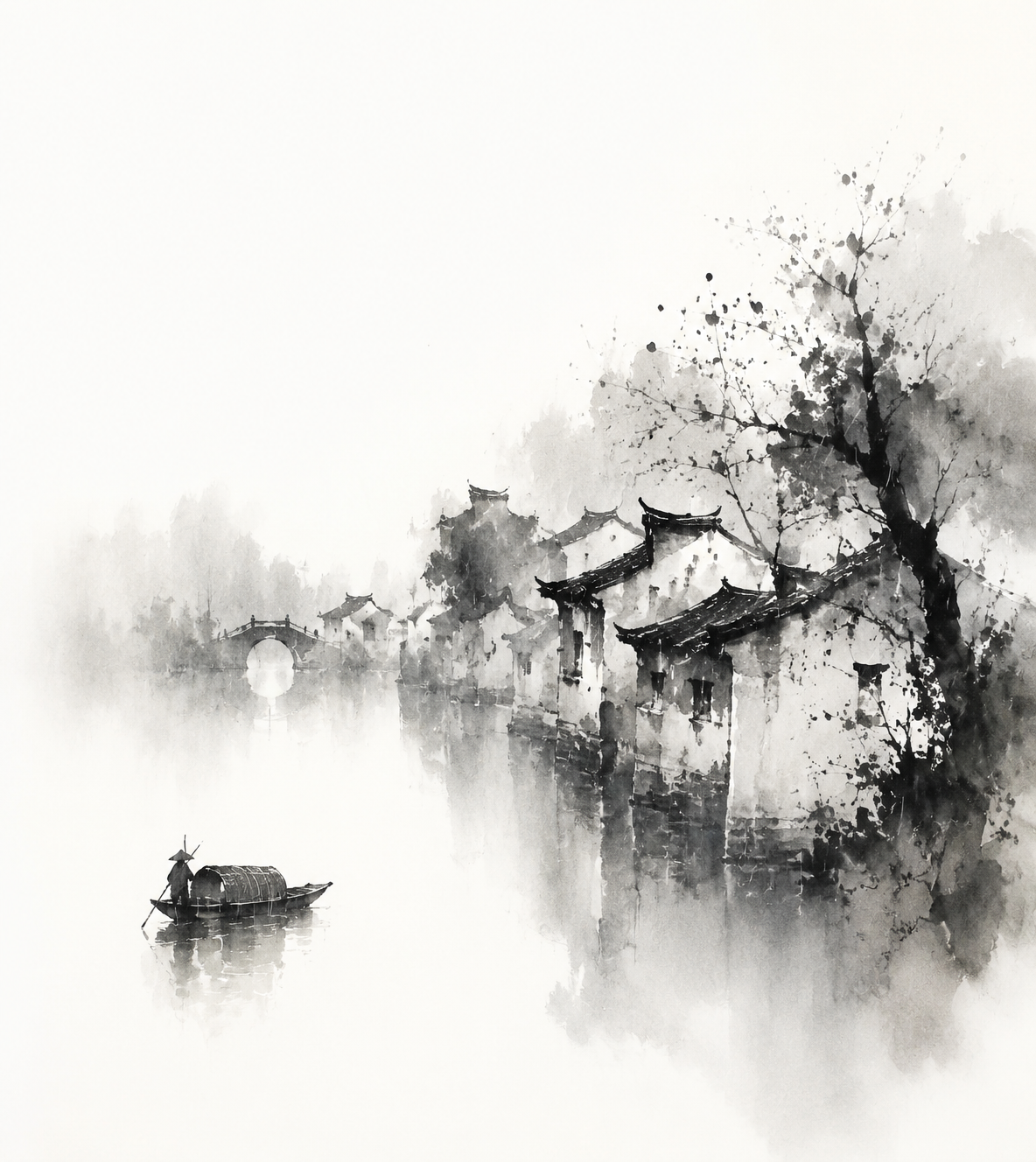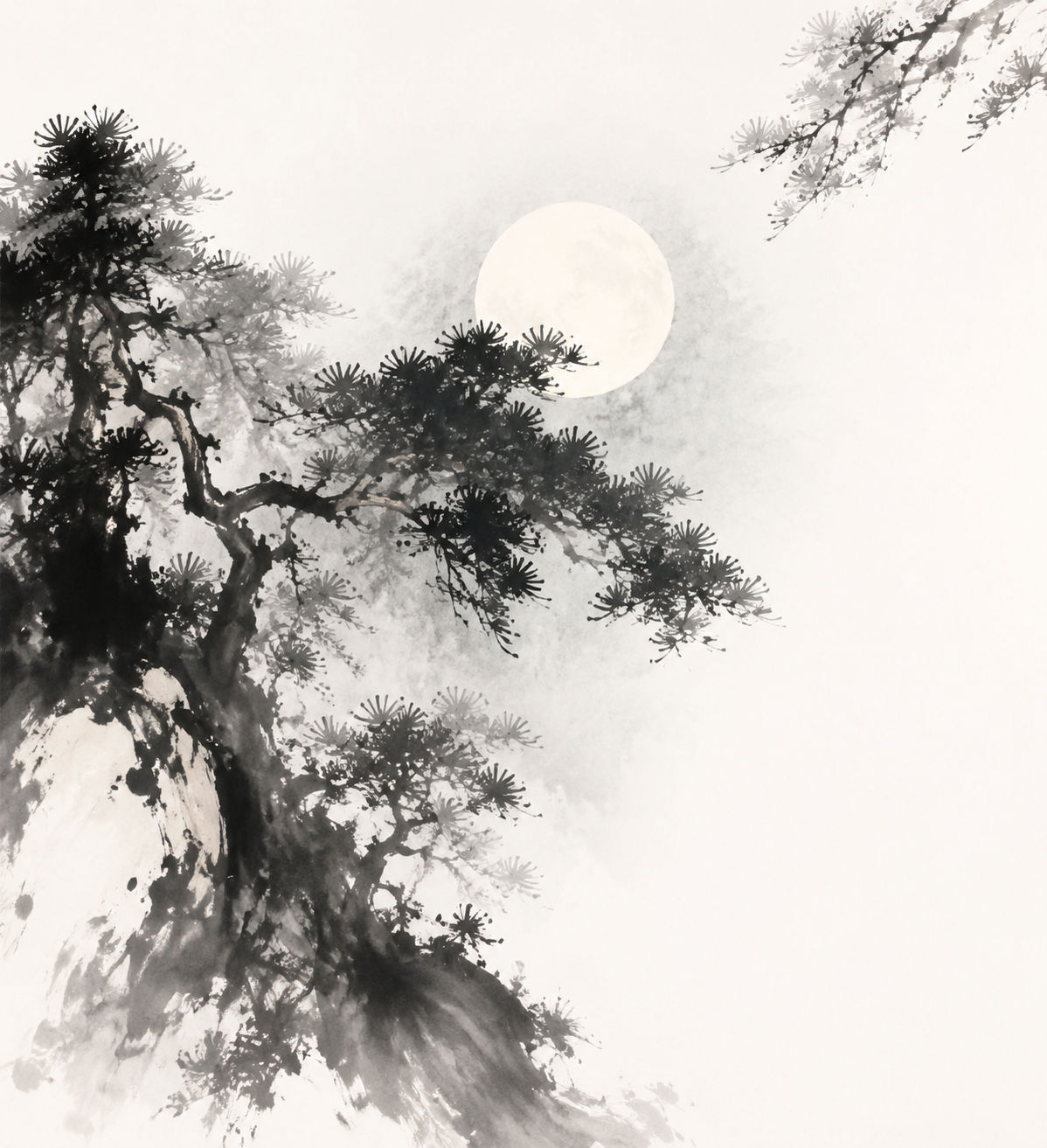
AIImgPrompts

AI Image Prompts for GPT Image 2, Nano Banana, and More

Explore thousands of AI image prompts paired with example images, full prompt text, model labels, and practical filters. Start with GPT Image 2 prompts, Nano Banana prompts, Midjourney ideas, product photography, portraits, posters, 3D scenes, illustration, and more. Browse without signing up, open an example to inspect its creative direction, then copy and adapt the prompt. Model-specific parameters may need adjustment when you switch image generators, so treat every prompt as a useful starting point rather than a guaranteed recipe.

AIImgPrompts

8,673

published AI image prompts

AI Image Prompt Library

Find Useful AI Image Prompts Without Starting from Scratch

AIImgPrompts keeps AI image prompts connected to visual examples, model labels, categories, source details, and full prompt pages so you can understand an idea before copying it. Search when you know the subject, browse when you need a direction, or compare prompts across creative use cases. The library does not promise identical results from every image model. It helps you move from a reference image to editable prompt language with enough context to choose your next step.

1

See AI Image Prompts with Example Images

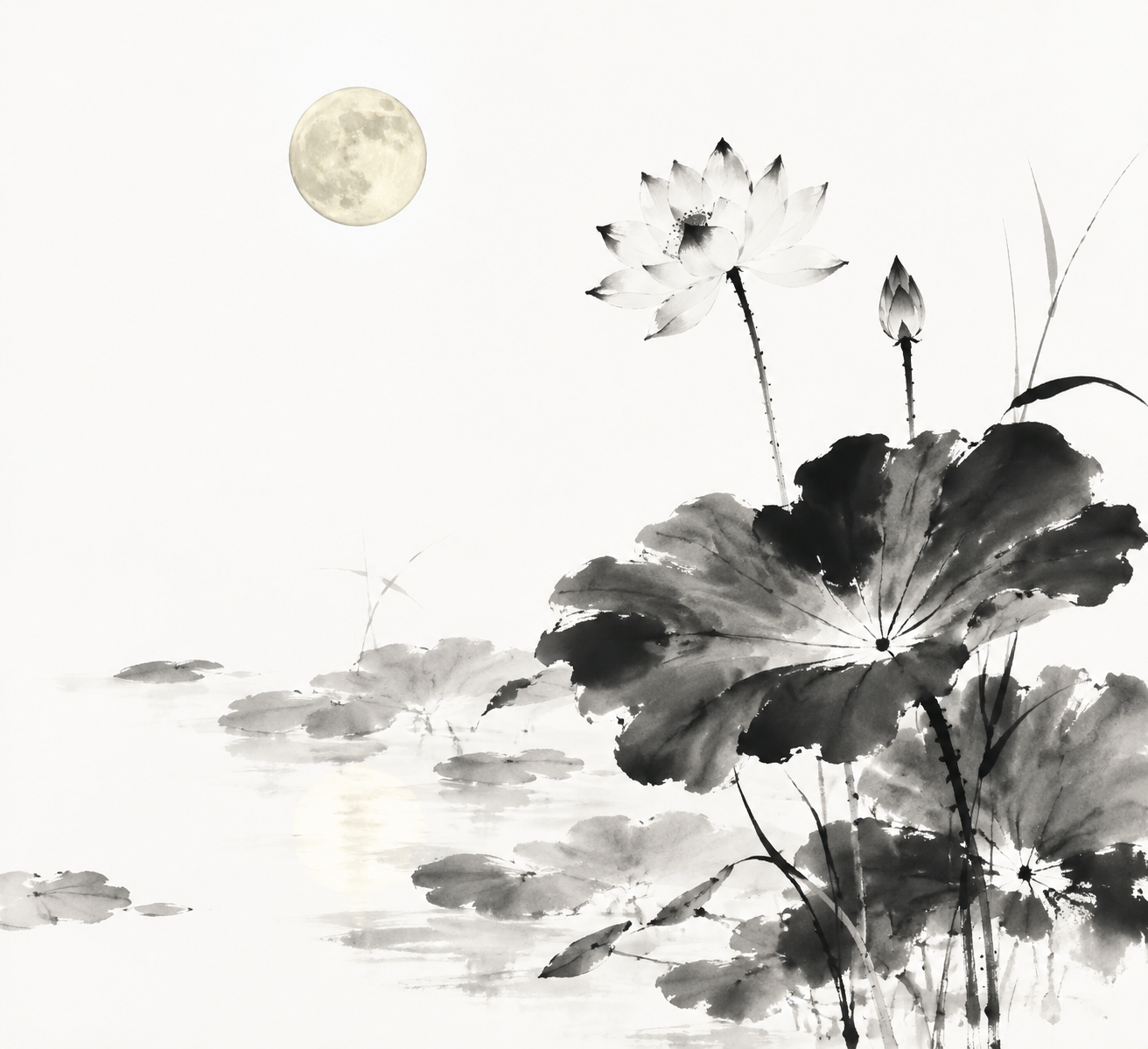
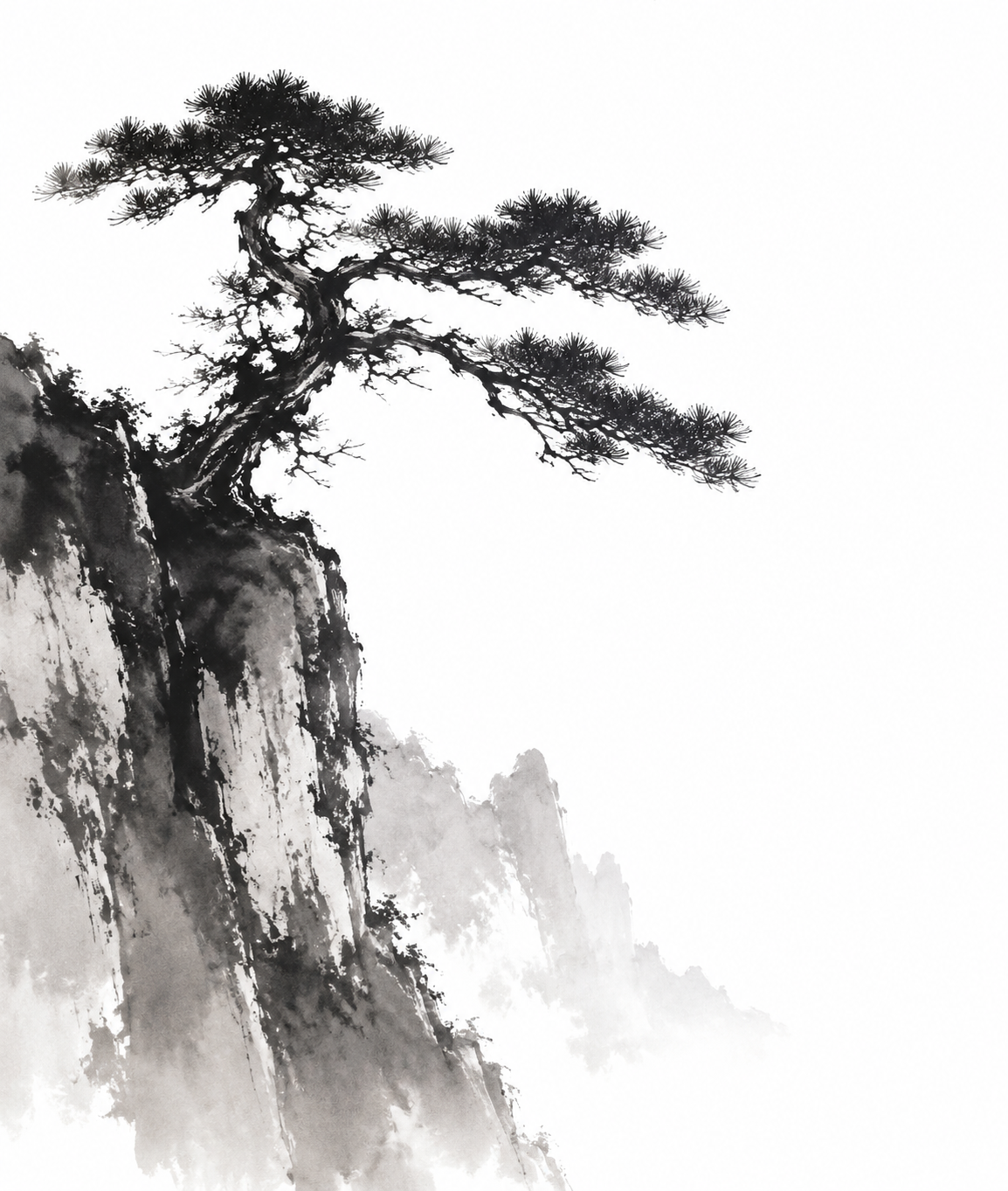
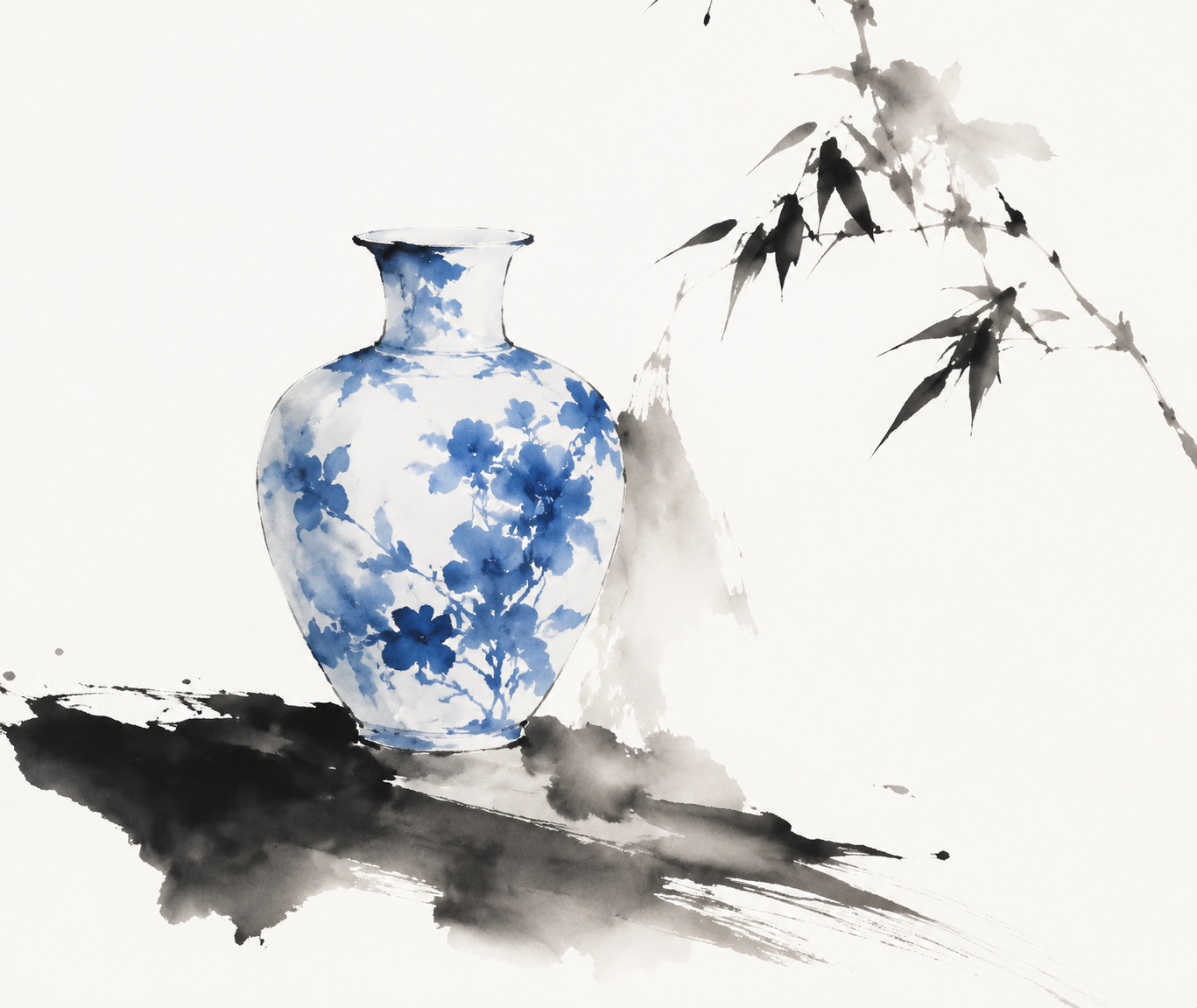
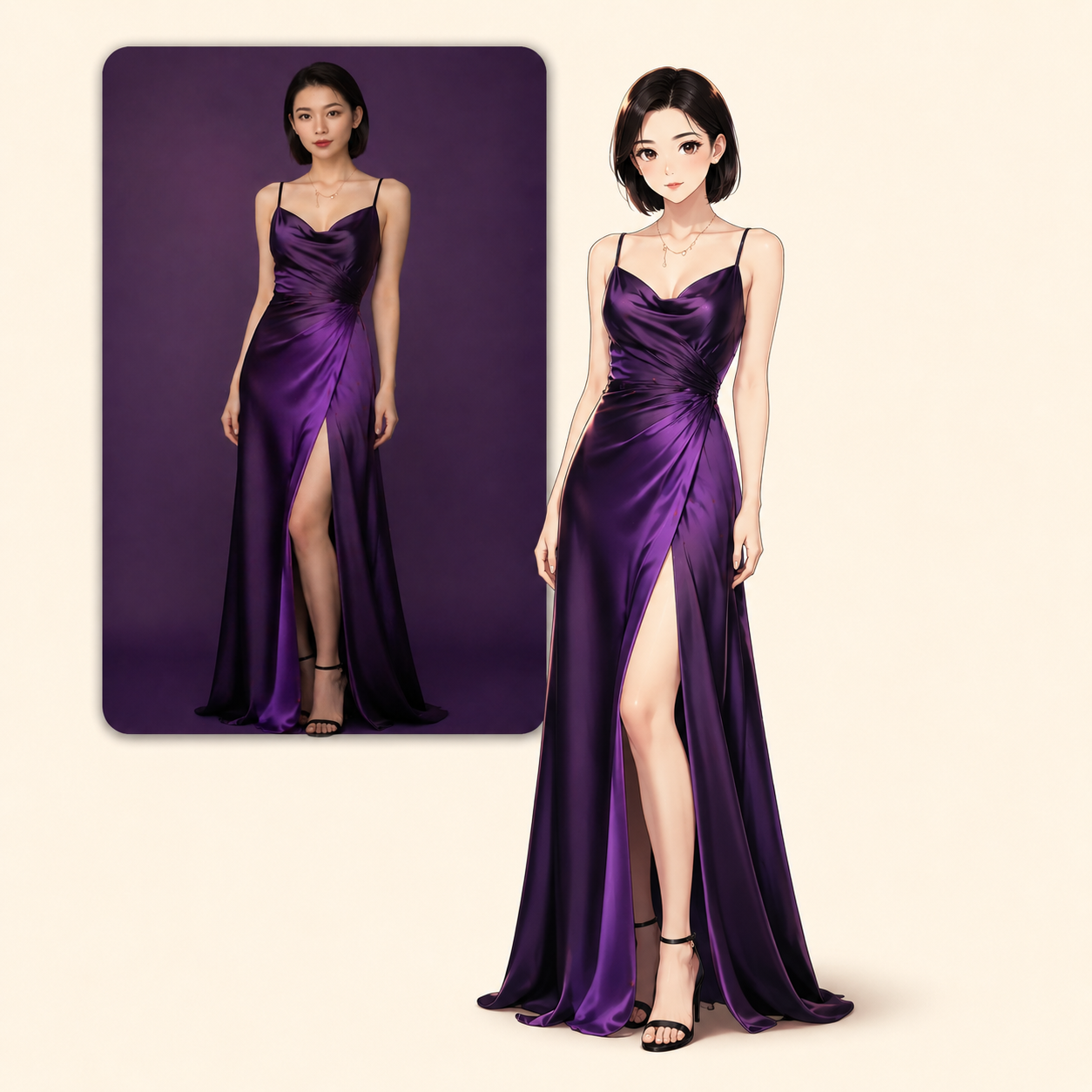
Each public card leads to a full page where the AI image prompt appears beside an example image, model label, category, available source details, and language options when they exist. This pairing is easier to evaluate than a text-only prompt dump. Inspect the subject, composition, lighting, color direction, materials, atmosphere, and detail before deciding whether the prompt belongs in your workflow. The example is creative context, not a promise that every model or seed will recreate the same pixels.

2

Read Full AI Image Prompts in Context

Short previews are useful for scanning, but serious prompt work needs the complete text. Open a detail page to review the full AI image prompt instead of copying a truncated caption. Many examples describe subject placement, camera perspective, lens language, lighting, textures, typography, aspect ratios, rendering styles, or negative constraints. Some include syntax that belongs to one model. Keeping the complete wording visible helps you separate the reusable creative idea from the parameters that may need to change for GPT Image 2, Nano Banana, Midjourney, or another image generator.

3

Filter AI Image Prompts by Model and Use Case

You may know the model, visual category, business use, or only a few words describing the scene. Use keyword search to find a subject, choose a model to narrow model-specific examples, or browse categories for products, portraits, posters, illustration, architecture, food, fashion, landscapes, diagrams, and more. Featured, latest, and popular views provide additional ways to explore AI image prompts without manually reviewing unrelated cards.

4

Copy and Adapt AI Image Prompts

Public AI image prompts are free to browse and copy. Use the copied text as a starting point, then change the subject, setting, composition, colors, materials, camera language, or aspect ratio to fit your own idea. When moving between models, remove unsupported flags and adjust model-specific wording rather than assuming one prompt behaves identically everywhere. This approach preserves the strongest creative decisions while leaving room for iteration. It also avoids the misleading claim that a prompt can guarantee one fixed result across providers, versions, seeds, and reference images.

5

Save Ideas or Continue into Image Generation

Browsing and copying do not require an account. If you want to save favorites, keep private generation history, or publish eligible results to the gallery, sign in and use the account tools already connected to the prompt library. You can also open the AI Image workspace, choose a supported model and settings, review the visible credit estimate, and start a private generation task. This keeps free discovery separate from credit-backed generation while giving creators a direct path from AI image prompts to new visual experiments when they are ready.

AI Image Prompt Categories

Browse AI Image Prompts by Creative Use Case

Many searches begin with the image someone needs to make. The category system organizes AI image prompts around recognizable creative jobs, subjects, and visual formats. Start with the use case, scan the paired examples, then narrow the result with a model or search term. These groups are broad entry points: the live gallery includes additional styles, media, subjects, industries, and composition types connected through crawlable category pages and prompt details.

Product and E-commerce AI Image Prompts

Explore AI image prompts for clean product shots, packaging concepts, hero images, catalog scenes, marketplace listings, lifestyle compositions, campaign boards, and commercial visual references. Product-focused prompts often describe the surface, background, light direction, reflections, lens perspective, negative space, material finish, and relationship between the object and supporting props. Use these examples to study how a product can remain readable while the environment changes. Always review labels, logos, scale, text, and regulated claims before using generated product imagery in public or commercial work.

Portrait and Character AI Image Prompts

Browse AI image prompts for studio portraits, editorial photography, avatars, profile images, character sheets, cinematic people, group scenes, stylized figures, anime characters, and expressive close-ups. Portrait prompts can include pose, framing, focal length, depth of field, skin and fabric detail, lighting ratio, background separation, mood, and color treatment. Treat identity-sensitive work carefully: use reference images only when you have permission, inspect faces and hands closely, and adapt age, styling, environment, or camera choices instead of assuming one portrait formula fits every person or model.

Poster, Layout, and Design AI Image Prompts

Find AI image prompts for posters, editorial pages, album covers, social graphics, thumbnails, banners, infographics, diagrams, branding studies, and interface concepts. These examples focus on visual hierarchy: headline placement, grid structure, margins, contrast, focal zones, information density, color systems, illustration style, and negative space. Image models may distort text or invent labels, so use generated typography as a composition reference and rebuild important copy when accuracy, accessibility, or brand consistency matters.

Illustration and Art AI Image Prompts

Explore AI image prompts for watercolor, oil painting, ink, sketch, collage, paper texture, pixel art, anime, manga, 3D rendering, minimal illustration, retro graphics, surreal scenes, and experimental mixed media. Art prompts become more useful when they describe visible decisions instead of relying on a vague style label. Look for language about mark-making, edges, surface, depth, palette, material behavior, print process, scale, and composition. Adapt those concrete details to build an original direction rather than using the library as a shortcut for copying a living artist.

Architecture, Landscape, and Scene AI Image Prompts

Use AI image prompts for interiors, buildings, retail spaces, imagined architecture, city scenes, natural landscapes, travel imagery, vehicles, food environments, and cinematic worldbuilding. Scene prompts often depend on spatial relationships: camera height, viewpoint, foreground anchors, depth layers, weather, time of day, practical light sources, materials, vegetation, and atmosphere. Example images help reveal whether the prompt favors realism, illustration, miniature worlds, or concept art. For real projects, verify structural, geographic, cultural, and technical details instead of treating generated scenes as factual documentation.

AI Image Prompts FAQ

Questions About AI Image Prompts

AI image prompts are written instructions that describe what an image model should create. A prompt may define the subject, action, setting, composition, perspective, lighting, color palette, materials, mood, rendering method, aspect ratio, or details to avoid. Strong AI image prompts make visible choices instead of stacking unrelated adjectives. They also separate the core creative direction from model-specific syntax. AIImgPrompts pairs prompt text with example images and labels so you can inspect, copy, and adapt those choices instead of beginning with an empty prompt box.

Yes. Public AI image prompts can be browsed and copied without creating an account. Open a gallery card to read the full prompt, review the example image, and copy the text for your own experimentation. Free access to the library does not mean every feature on the site has no cost. Favorites, private history, and publishing use account features, while on-site image generation and AI editing can require credits. The interface shows the relevant credit estimate before a generation task starts, so the free prompt library and paid computational work remain separate and understandable.

Start by choosing an AI image prompt whose example, subject, and composition match your goal. GPT Image 2 prompts can describe detailed visual instructions, edits, layouts, backgrounds, and output qualities, while Nano Banana prompts often support generation or transformation workflows that may include reference images. Read the full prompt before copying it, keep the parts that define the creative direction, and change names, products, locations, colors, ratios, or constraints for your project. If the text contains parameters from another model, remove or translate them instead of assuming that GPT Image 2 and Nano Banana interpret every token the same way.

The creative idea can often travel, but the same AI image prompt will not produce identical results in every image generator. Models differ in training data, prompt parsing, reference-image support, safety rules, aspect-ratio controls, text rendering, negative prompts, and model-specific flags. A Midjourney parameter may be meaningless in GPT Image 2, and a transformation instruction may behave differently in Nano Banana. Copy the prompt as a starting point, then adapt syntax and expectations to the chosen model. Seeds, provider versions, settings, and uploaded references can also change the result even when the words remain the same.

AIImgPrompts organizes AI image prompts by model, category, creative use case, language availability, and gallery order such as featured, latest, and popular. Public examples may come from web sources, creative references, community submissions, or user-published generations. Source or author context is retained when available, and the site provides a removal path for material that needs correction or review. The library supports discovery and reuse, but does not claim that every external example was independently retested across multiple models.

Yes. You can copy public AI image prompts into another supported tool, or continue into the AI Image workspace on AIImgPrompts. The on-site workflow lets signed-in users choose an available model, review supported modes and settings, add reference images where allowed, see the estimated credit cost, and start a private generation task. Completed results can remain in private history, and eligible generations can be published to the prompt gallery. Because generation uses external providers and model-specific capabilities, review the settings, cost, output, and usage rights that apply to your project before publishing or using an image commercially.