![[프롬프트]](https://static.aiimgprompts.com/prompt-images/20260922_2102317534599086354_01.jpg)
Anime & MangaGPT Image 2.5
AIImgPrompts
Browse AI image prompts with examples for GPT Image 2, Nano Banana, Midjourney, and more. Filter freely, then sign in to copy, adapt, or generate.
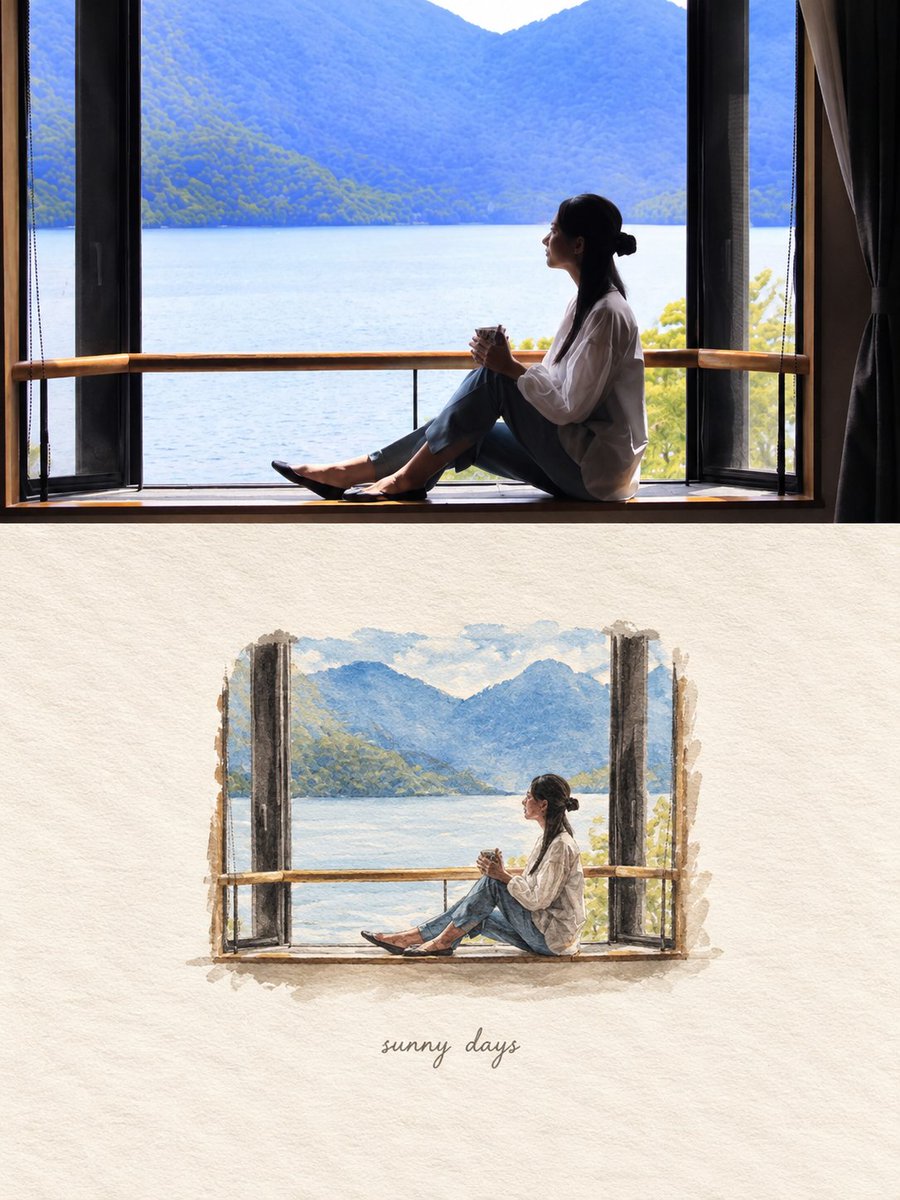
![Create a premium 4:5 editorial poster using the provided photograph of [PERSON]. The to...](https://static.aiimgprompts.com/prompt-images/20260921_2102005089431122308_01.jpg)
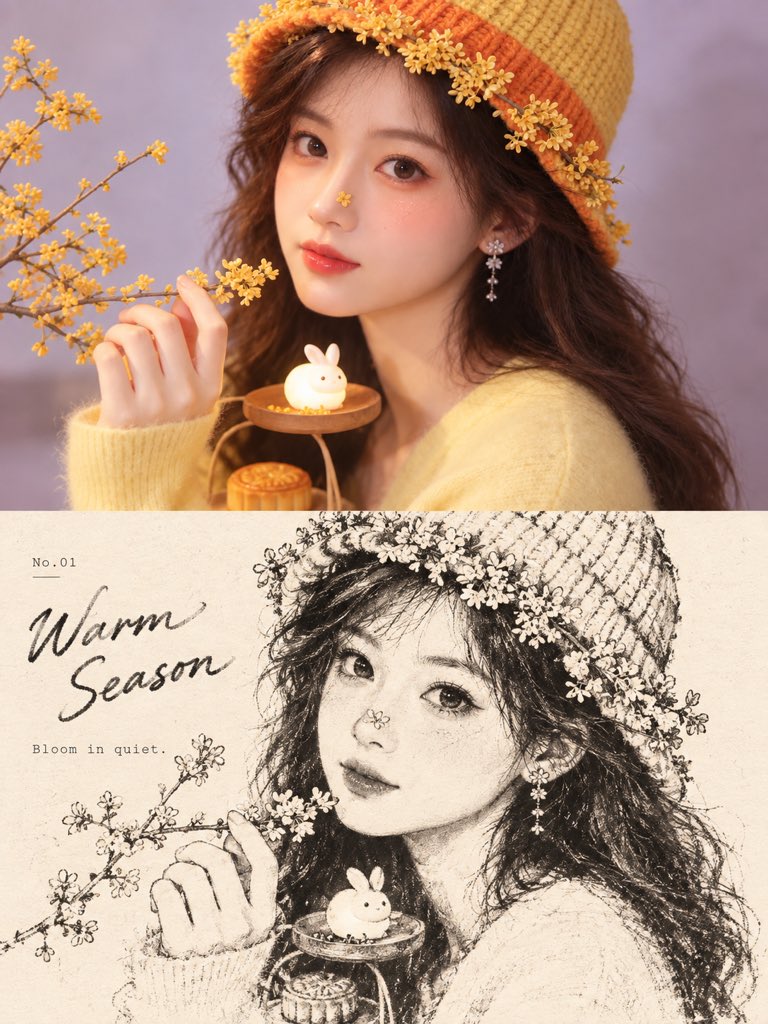
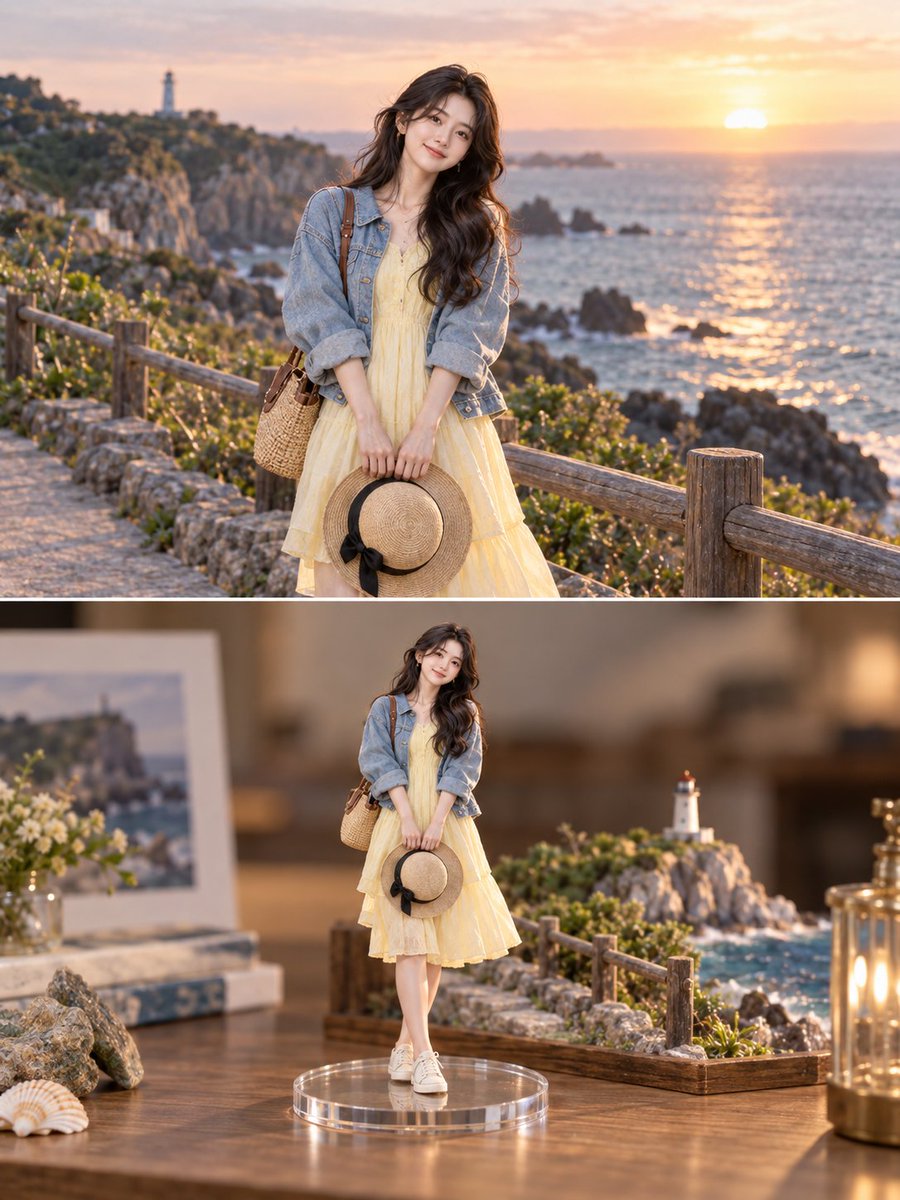
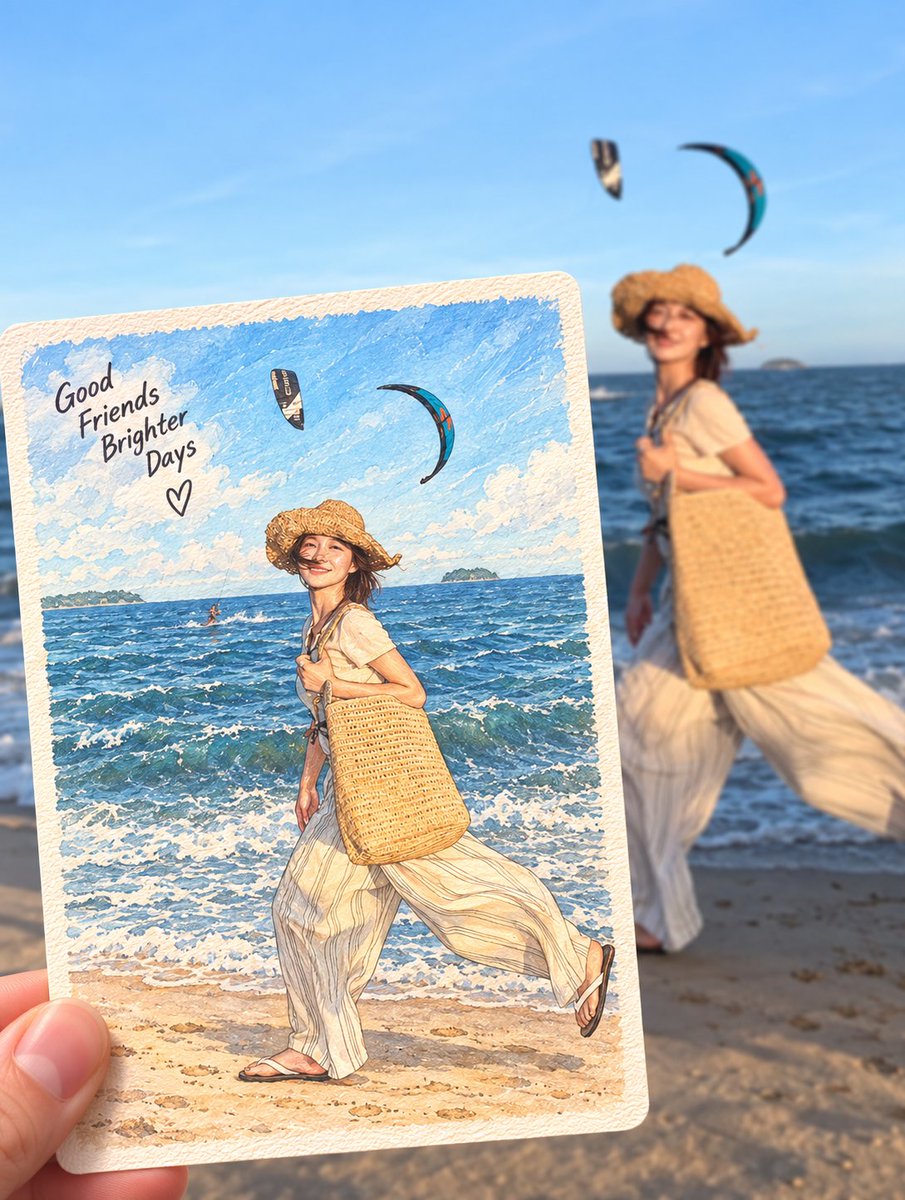
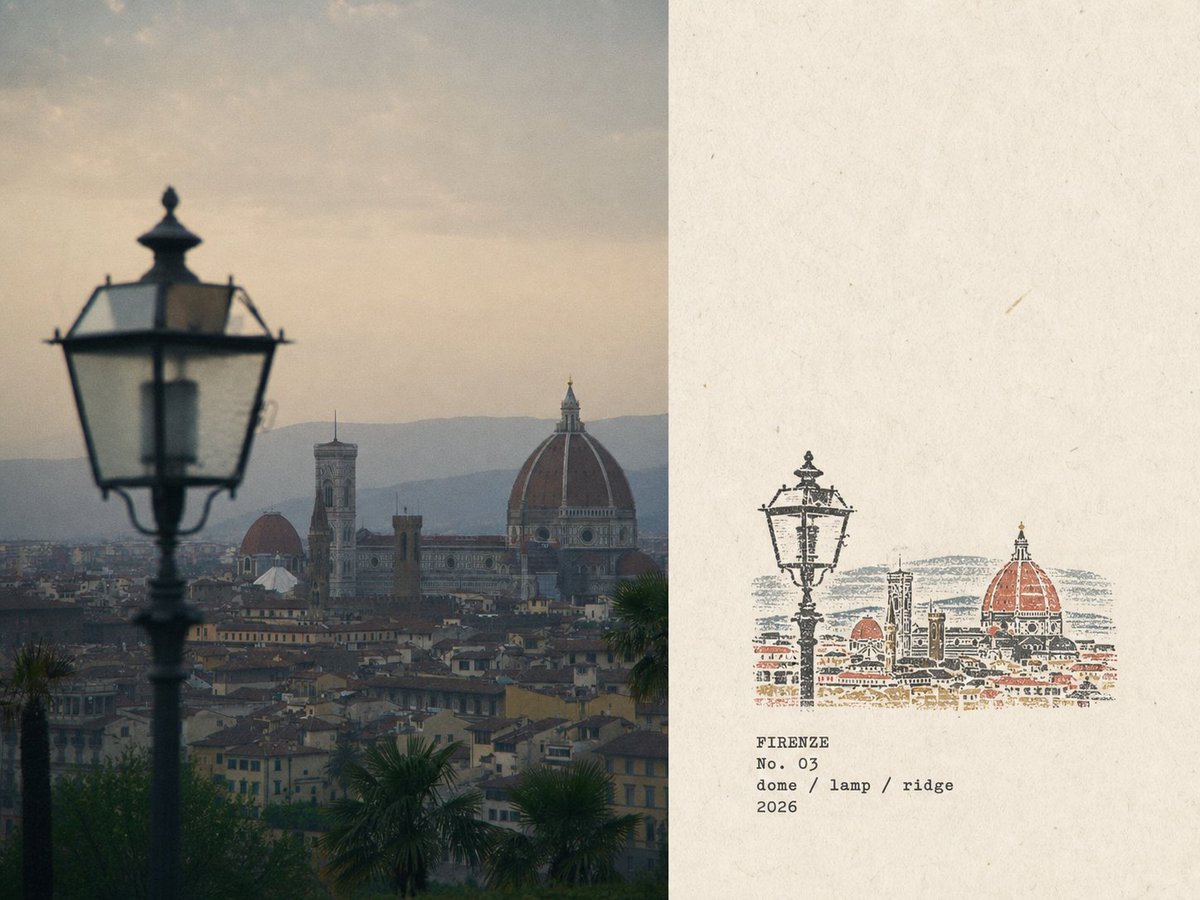
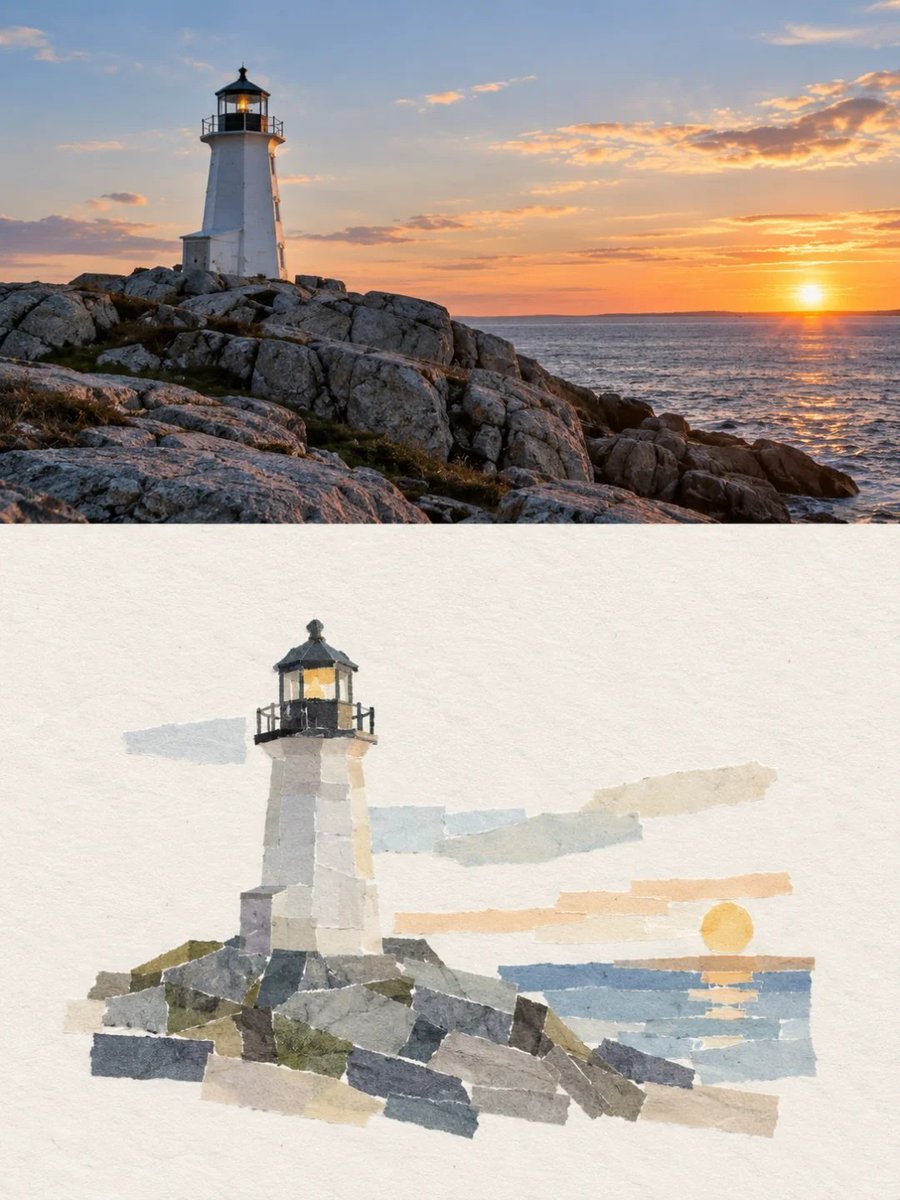
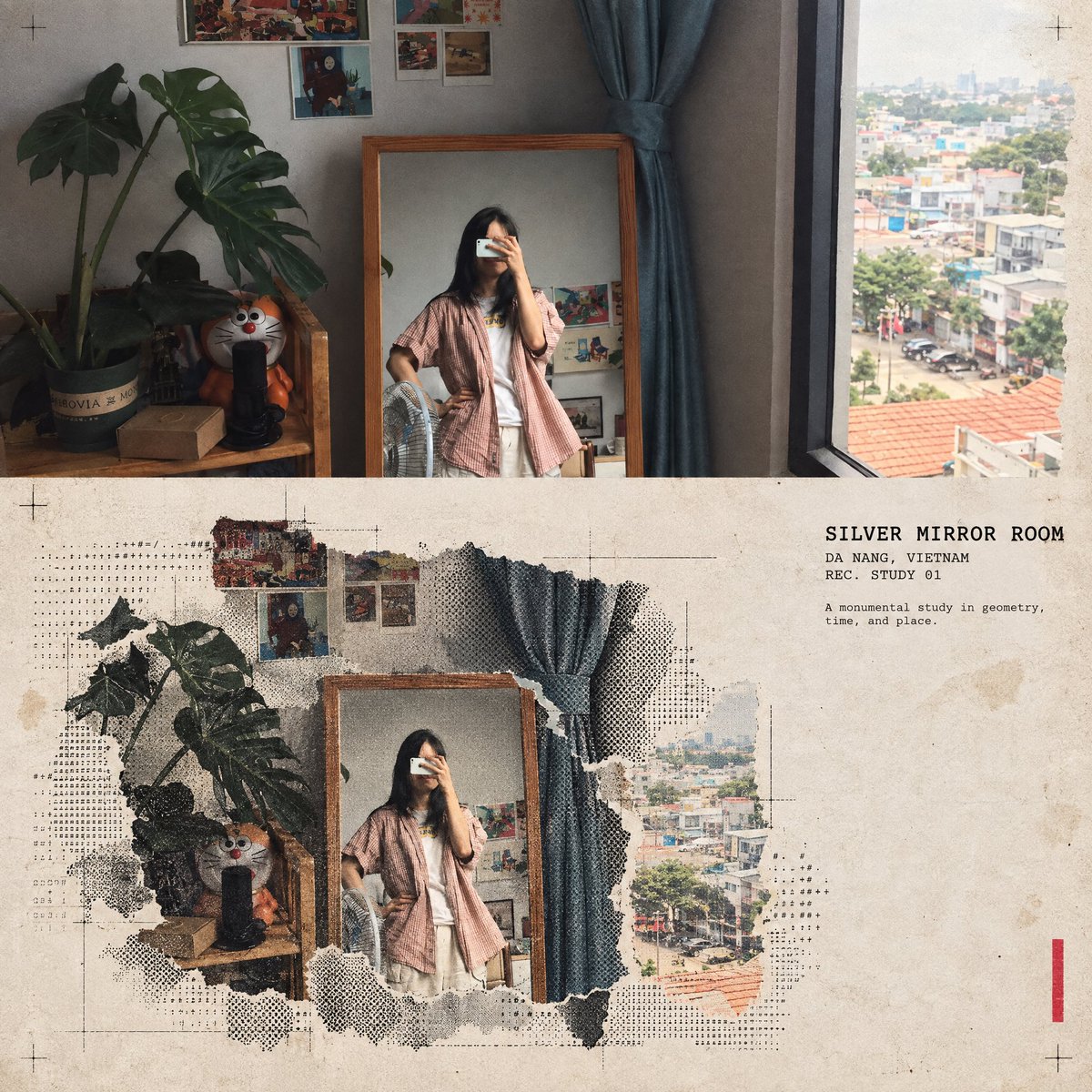
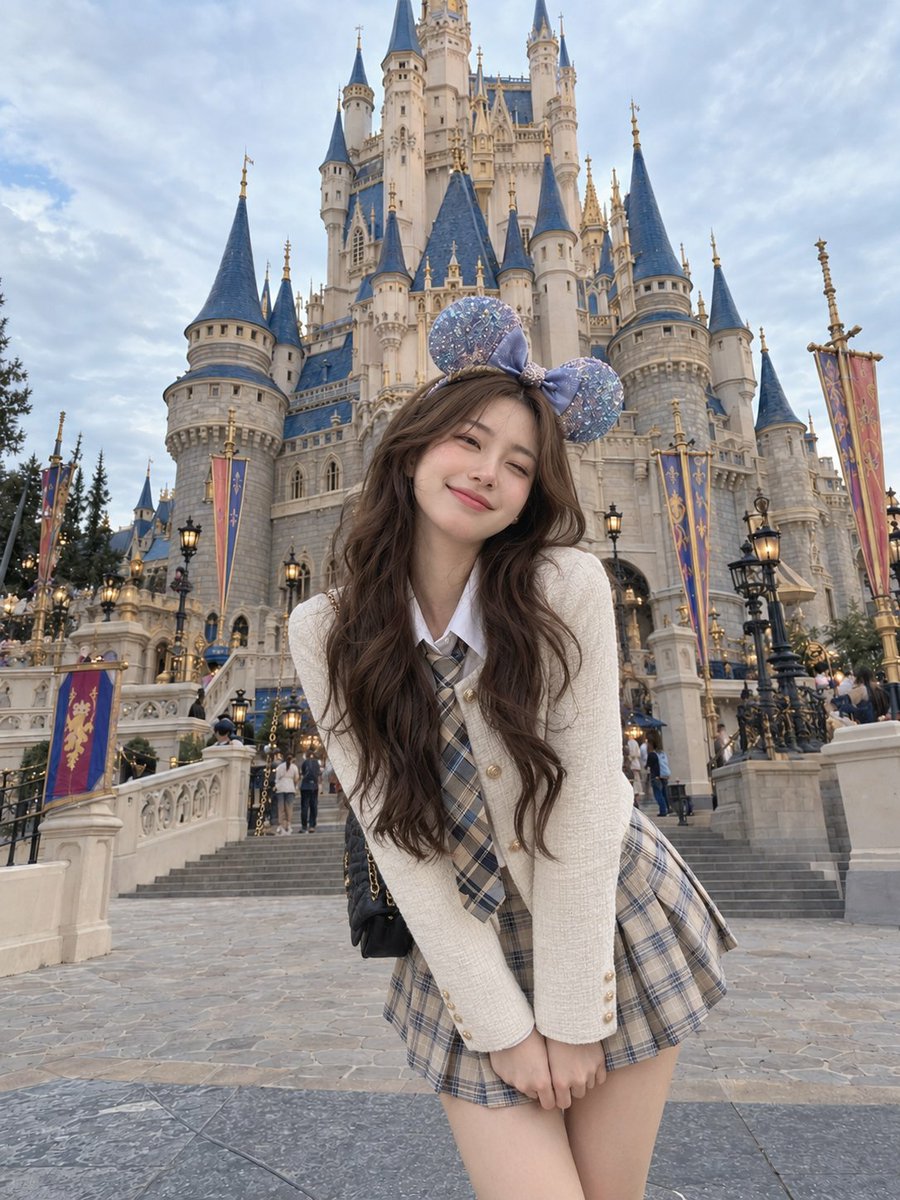
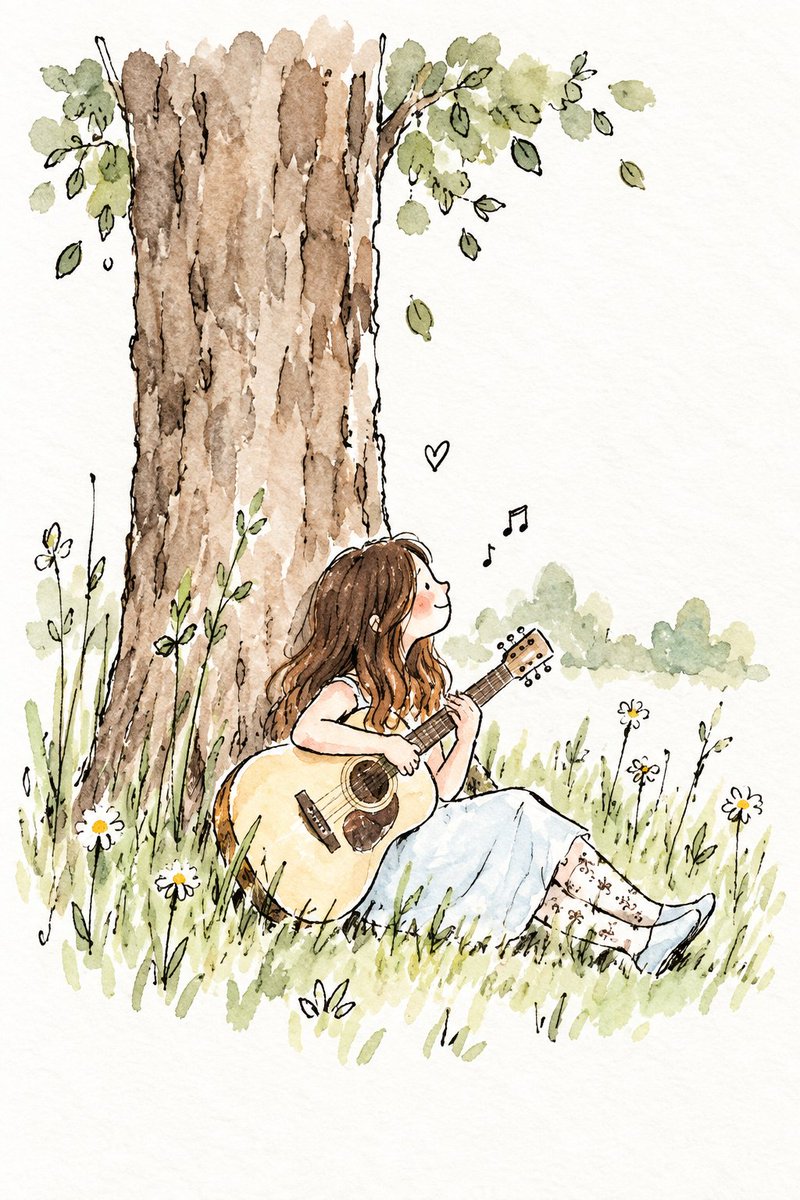
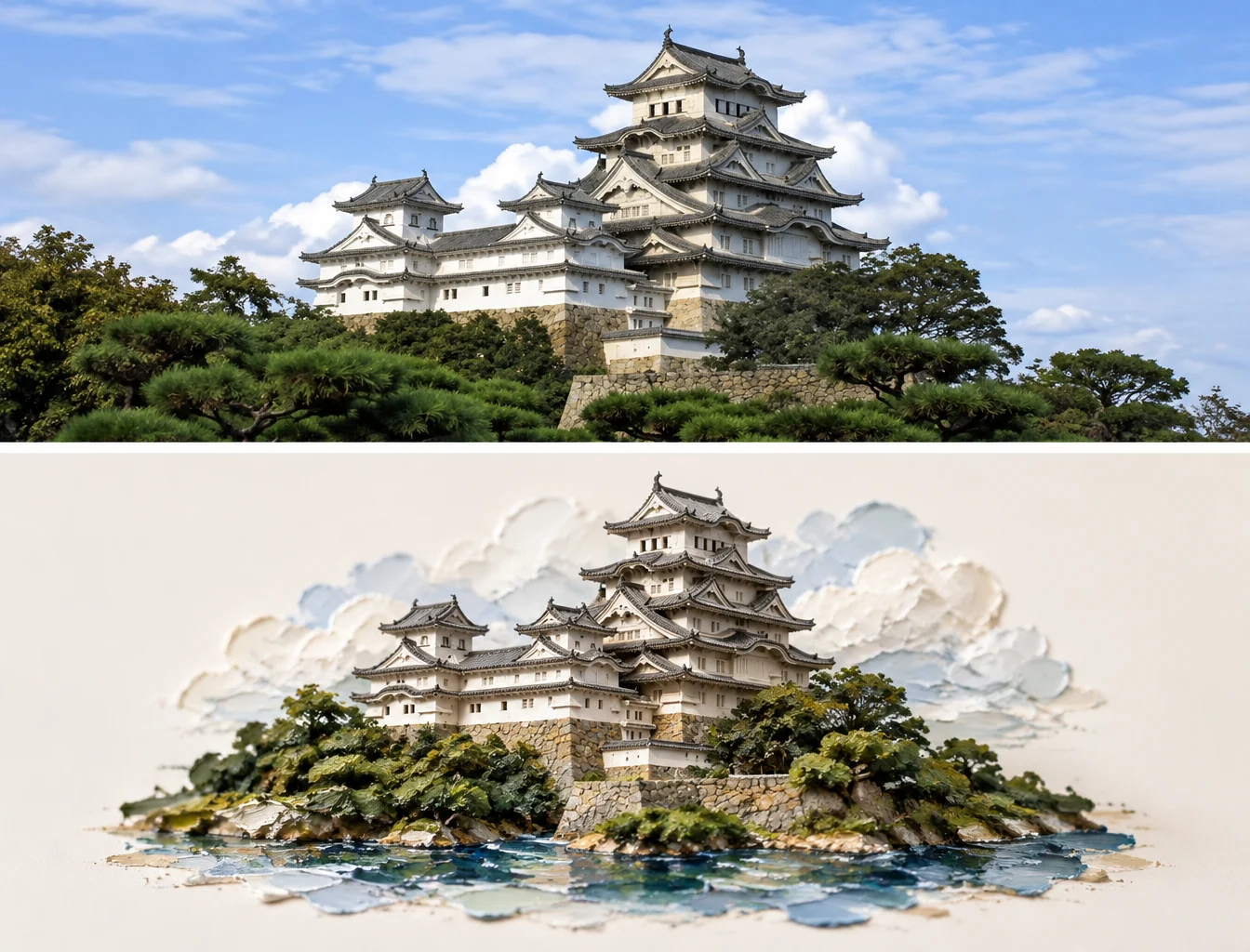
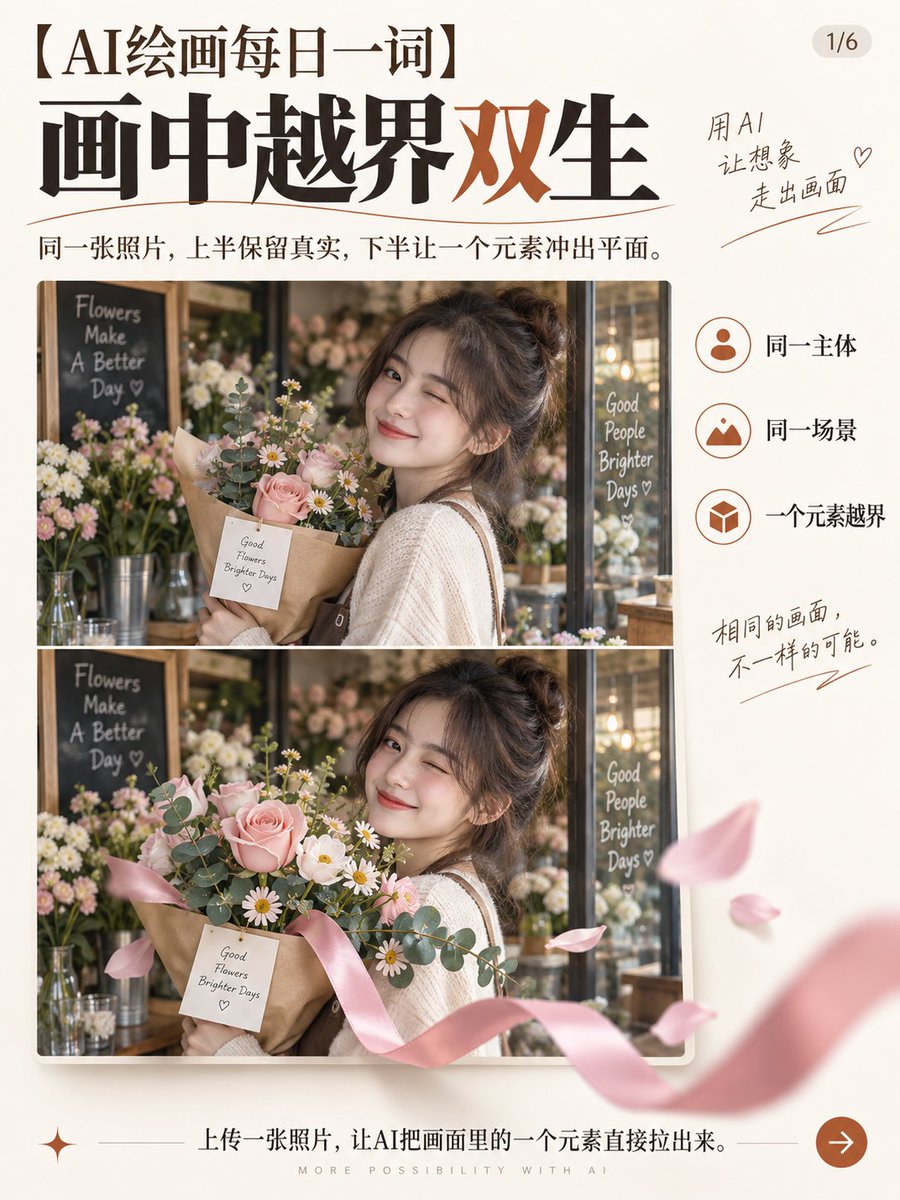
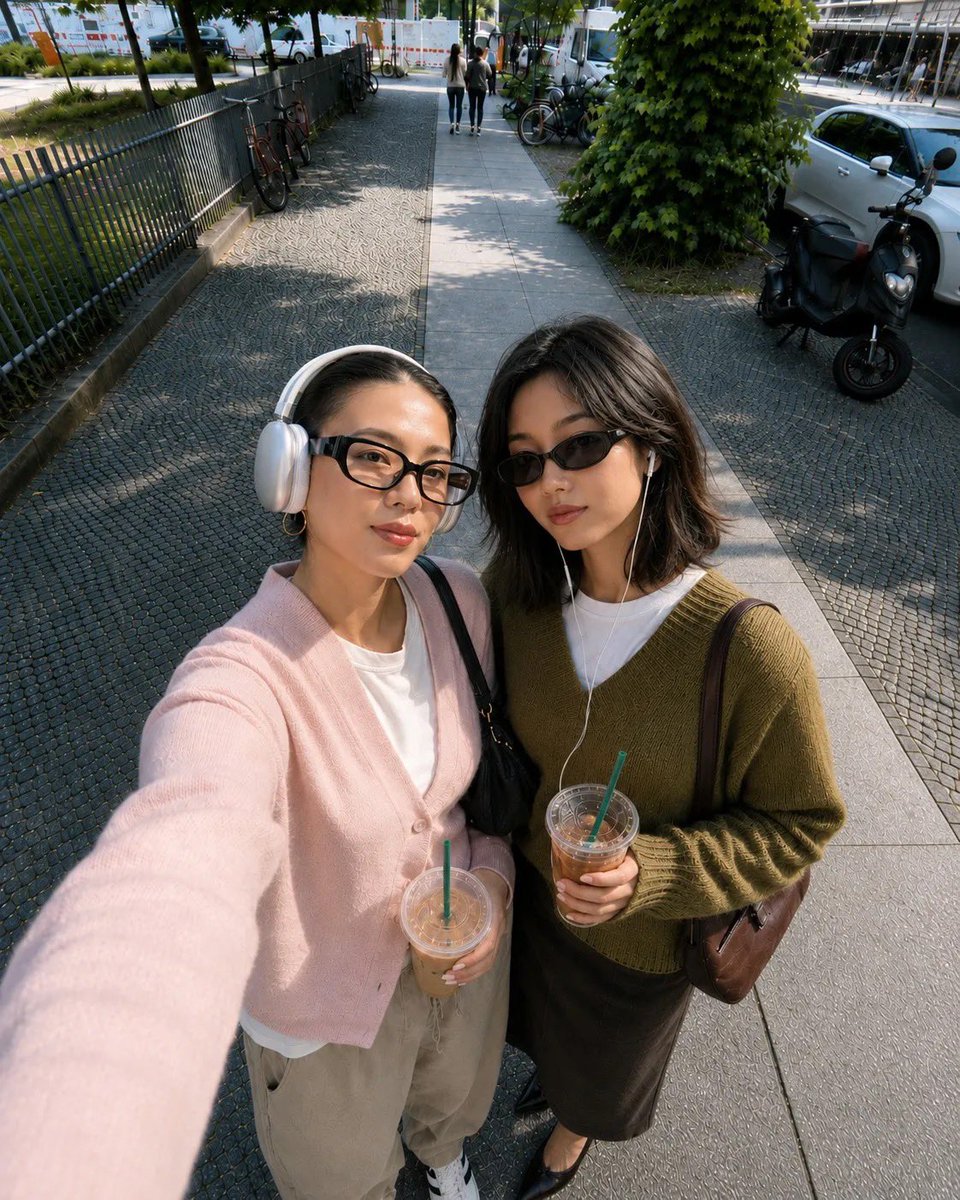
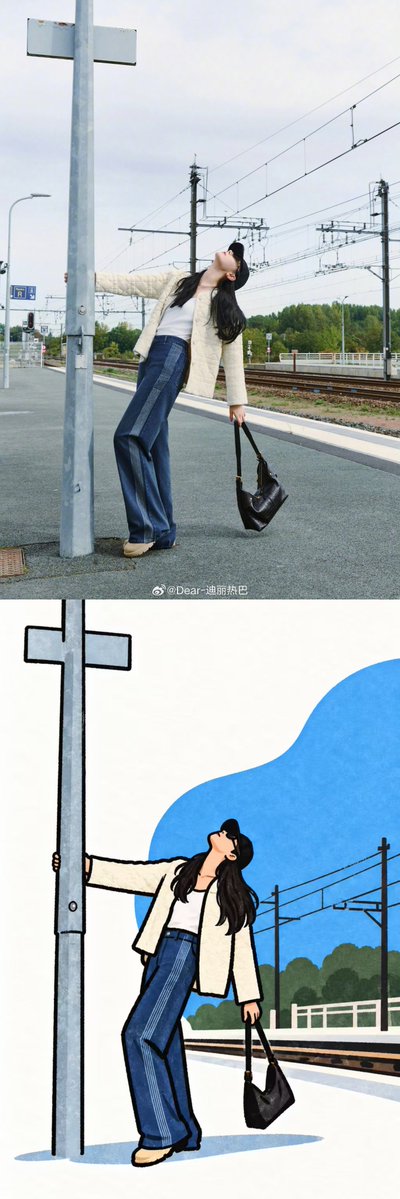
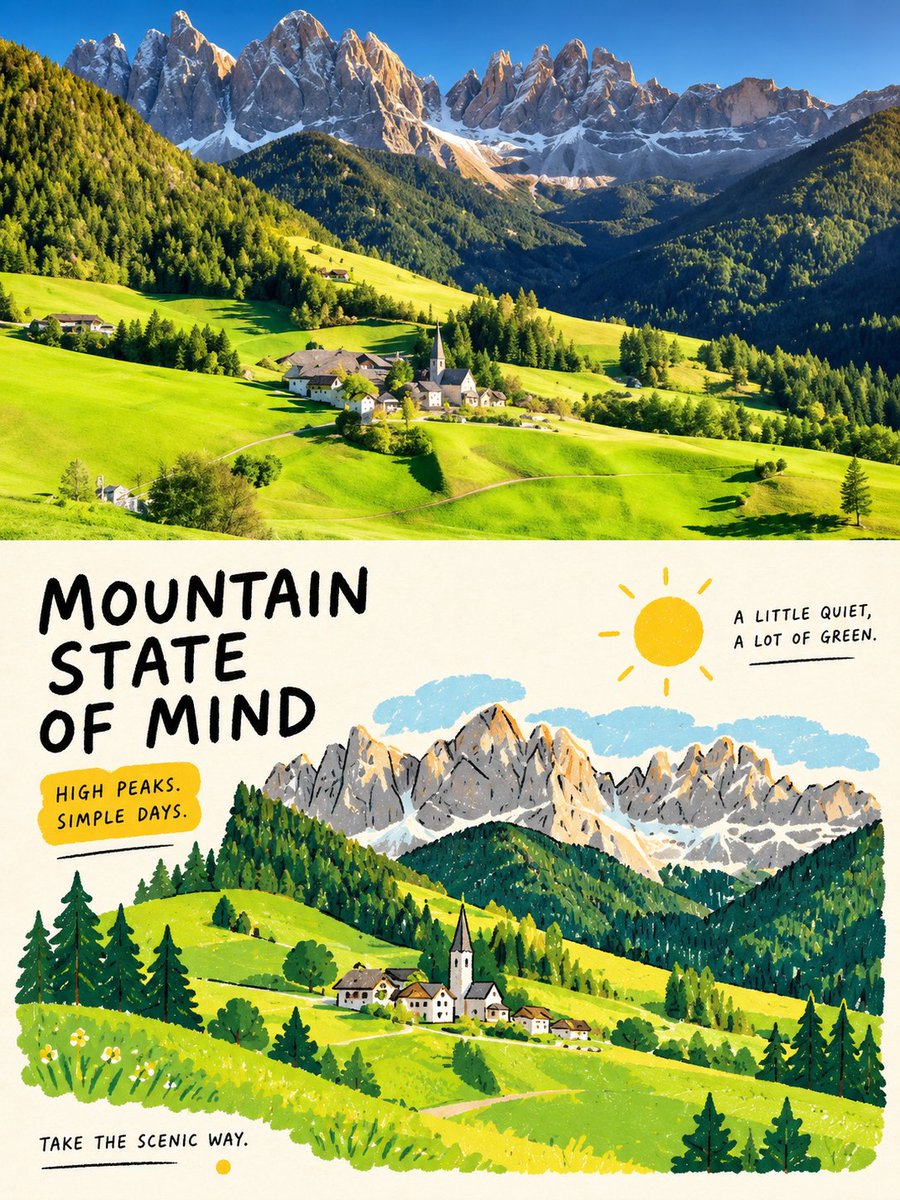
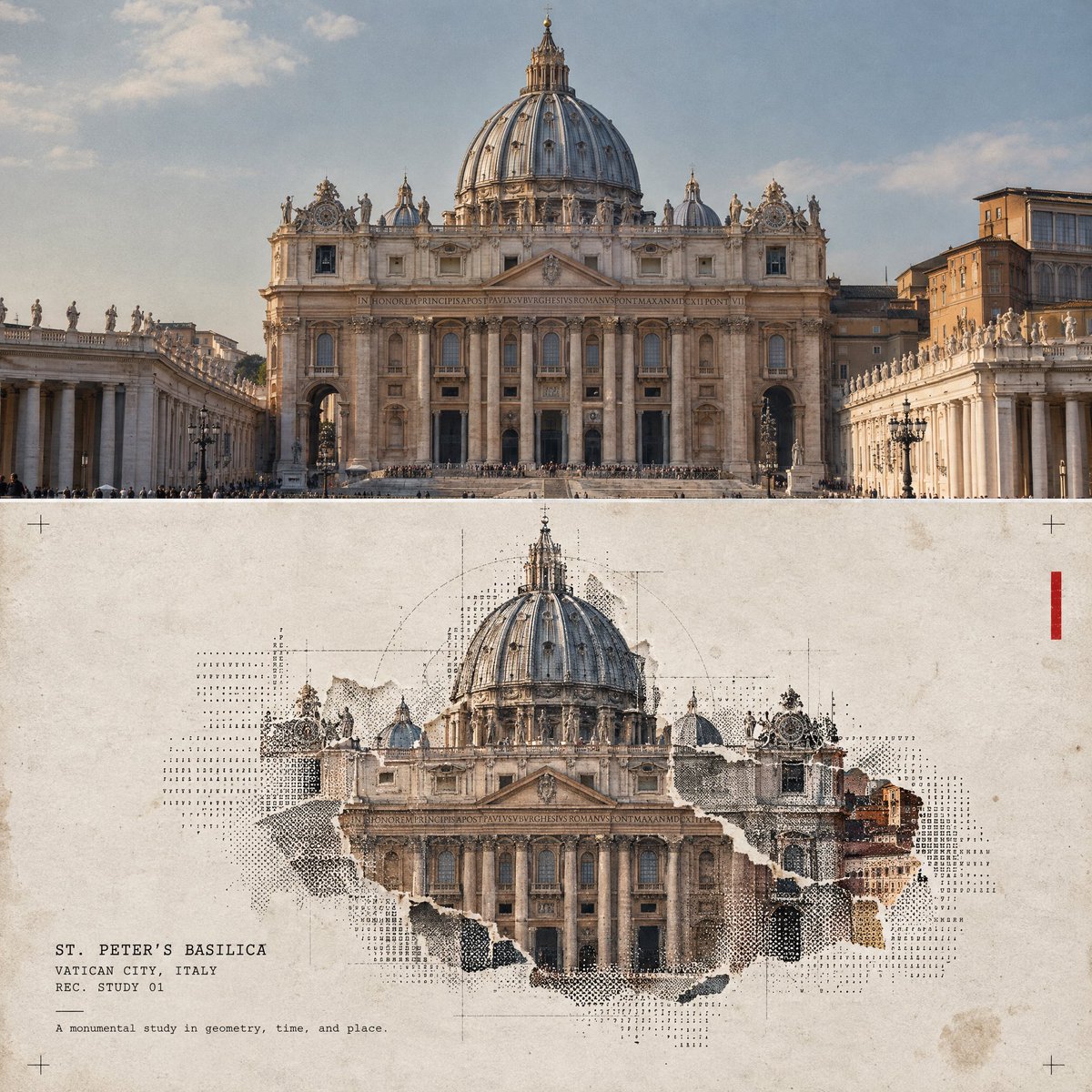
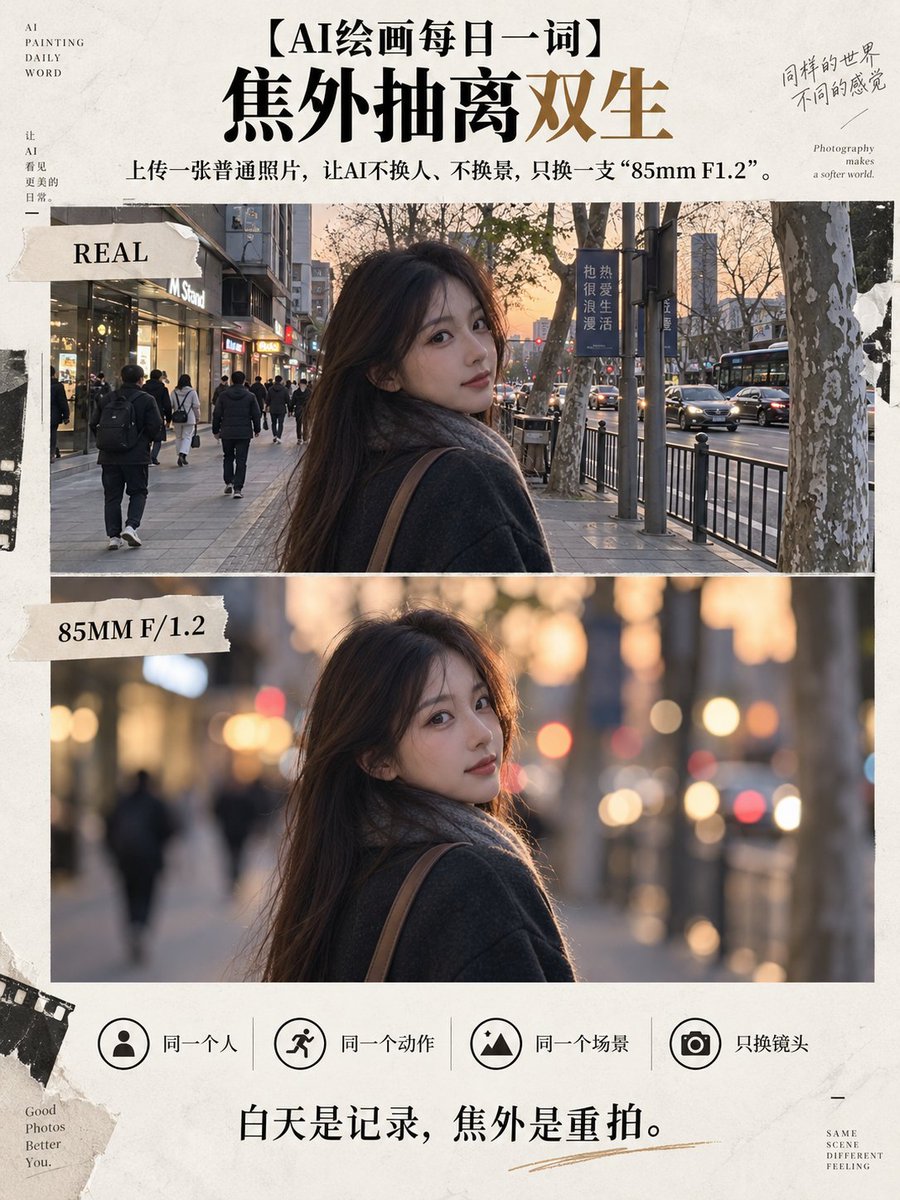
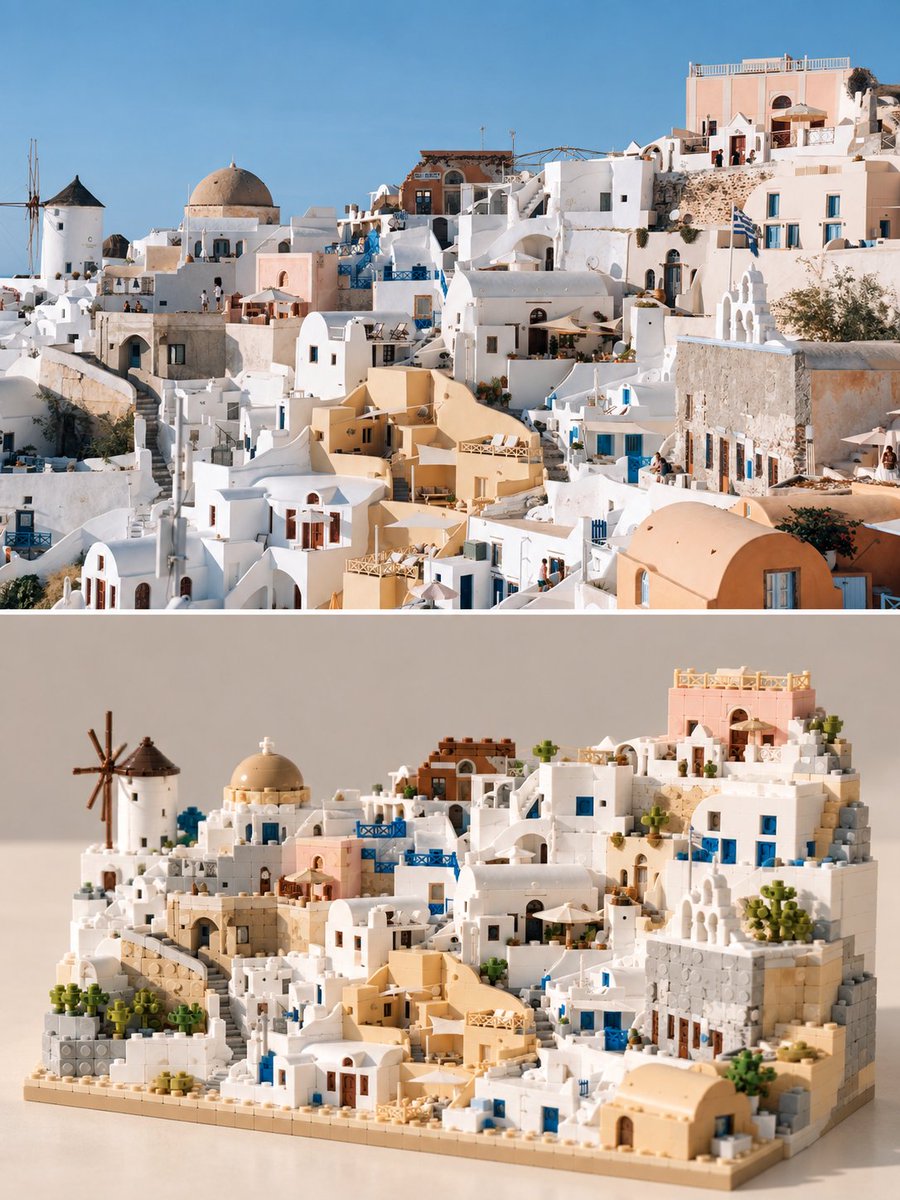
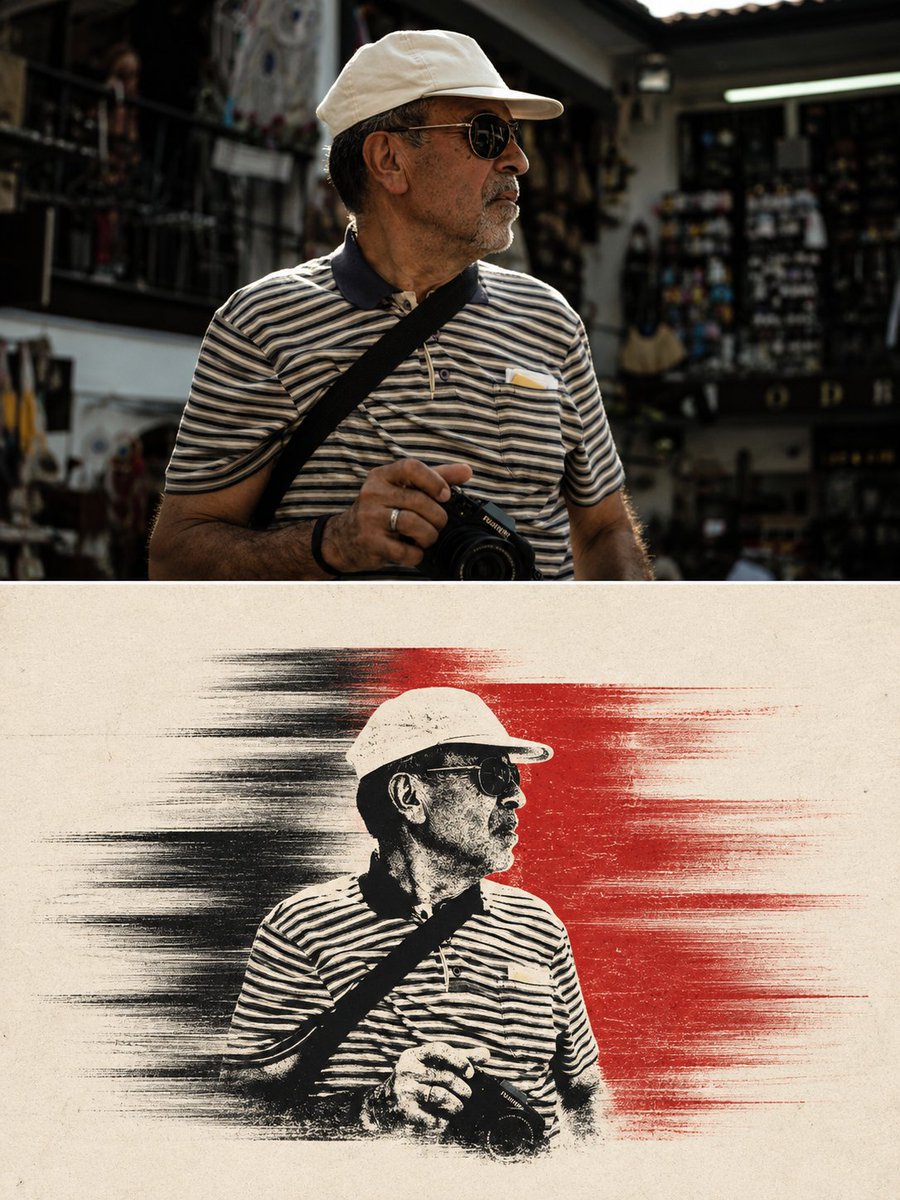
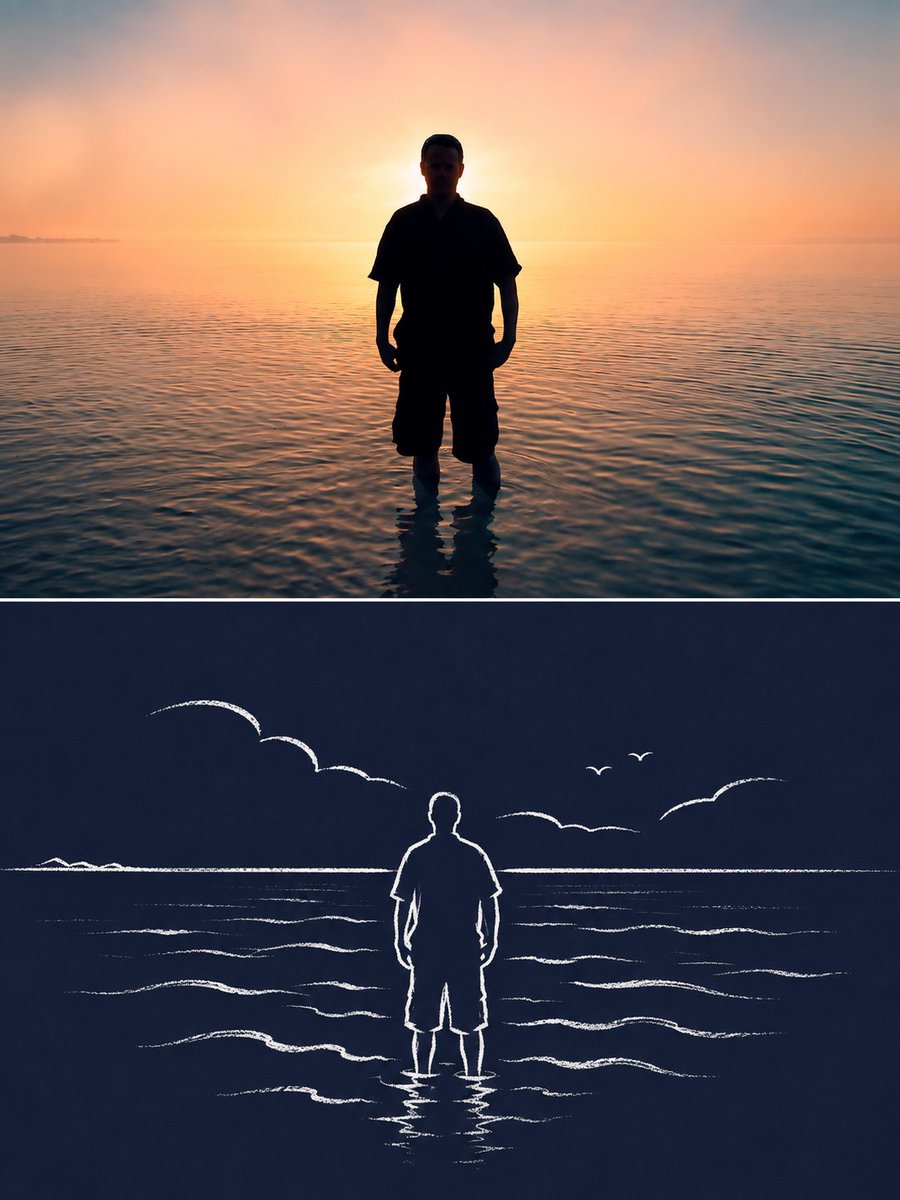
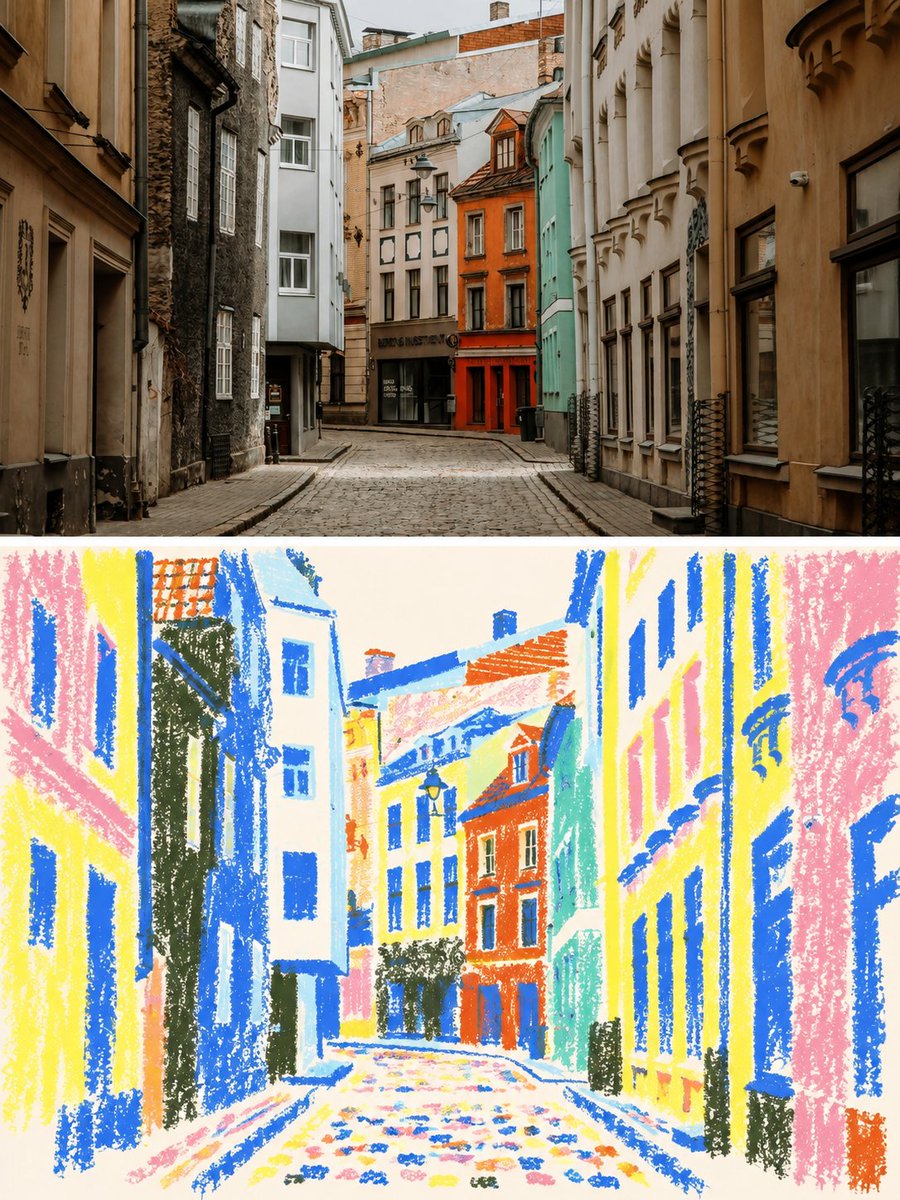
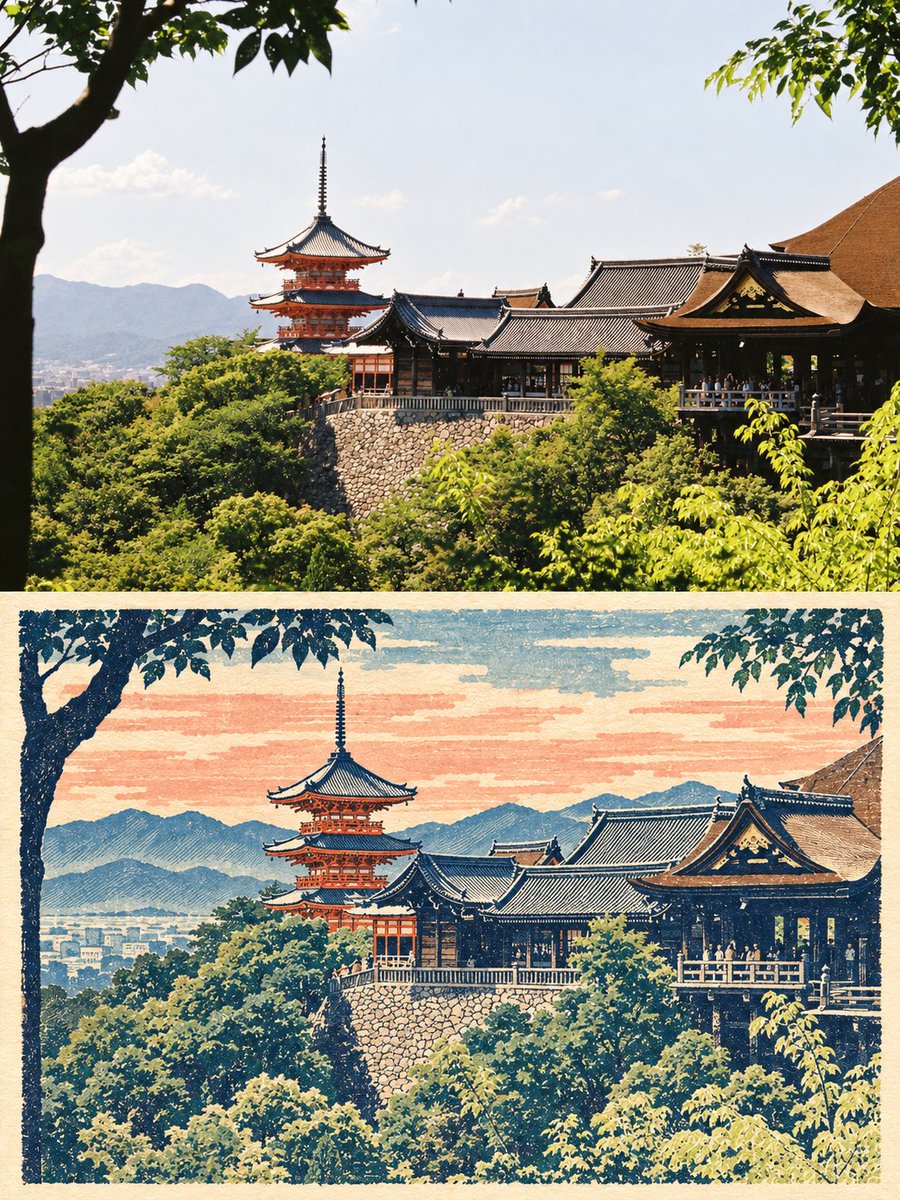
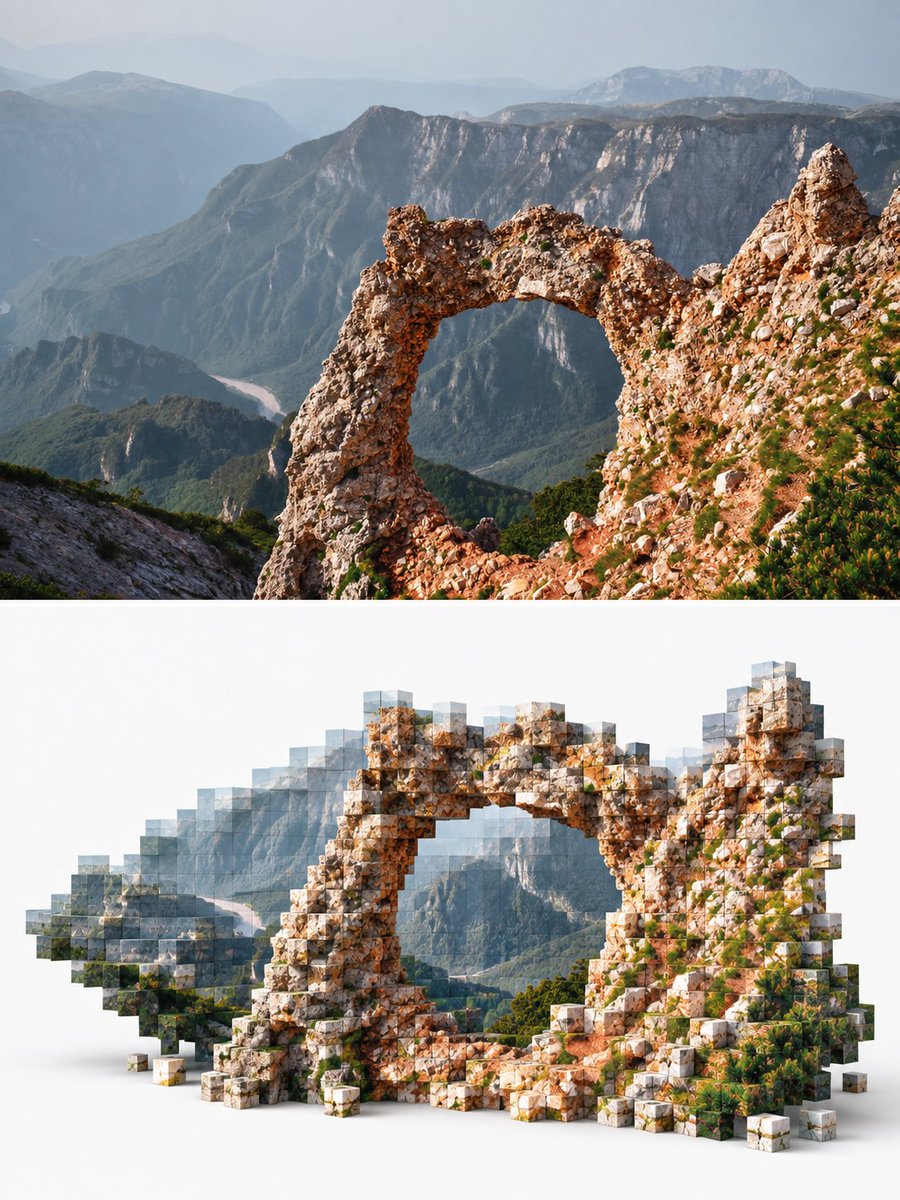
Every entry pairs an example image with the complete prompt text, a model label, a category, and any available source details. Search by subject, compare creative directions side by side, then sign in to copy the text or continue straight into image generation.
Open any gallery card to view the example image alongside the full prompt, model, category, and available source details. Use the visual to judge composition, lighting, color, materials, and mood before committing to the text.
Read the complete instructions before copying. Keep the creative direction that matters, then remove unsupported flags or model-specific syntax when moving between GPT Image 2, Nano Banana, Midjourney, or another generator.
Search by subject, filter by model, or browse products, portraits, posters, illustration, architecture, food, fashion, and more. Featured, latest, and popular views surface relevant AI image prompts faster than scrolling the whole gallery.
Public entries are free to browse. Sign in to copy a full prompt, then change the subject, setting, camera, colors, materials, or aspect ratio for your project. Results can vary by model, version, seed, settings, and reference images.
Browsing needs no account. Sign in to copy prompts, save favorites, keep private generation history, publish eligible results, or create images with supported models and clearly displayed credit estimates.
Start with the image you need, scan the examples, then narrow the gallery by model or search term. Each category groups AI image prompts around practical subjects, styles, industries, and visual formats so related ideas sit next to each other.
Product shots, packaging, catalog images, marketplace listings, and campaign visuals. Compare lighting, backgrounds, materials, composition, and negative space, then adapt the prompt for your own product.
Portraits, avatars, character sheets, cinematic people, anime, and editorial looks. Compare pose, framing, lens language, lighting, background, mood, and color before adapting an example.
Posters, covers, social graphics, thumbnails, infographics, and interface concepts. Study hierarchy, grids, contrast, focal points, color, and negative space, then rebuild important text accurately.
Watercolor, ink, collage, pixel art, anime, 3D, retro graphics, and mixed media. Adapt concrete details such as marks, edges, surfaces, depth, palette, and composition.
Interiors, buildings, cities, landscapes, travel, and cinematic worlds. Compare viewpoint, depth, weather, time of day, light, materials, and atmosphere across realistic and illustrated examples.
AI image prompts are written instructions for an image generator. They can describe the subject, setting, composition, perspective, lighting, color, materials, mood, aspect ratio, and details to avoid. AIImgPrompts pairs those instructions with visual examples so you can understand and adapt them.
Public prompts are free to browse without an account. Sign in to copy a full prompt, save favorites, or use private history. On-site image generation and editing may require credits, which are shown before a task starts.
Choose an example close to your goal, copy the full text, and change the subject, colors, setting, ratio, or constraints. GPT Image 2 and Nano Banana may interpret the same wording differently, so remove unsupported parameters and adjust model-specific instructions.
The creative direction often transfers, but identical words will not produce identical images everywhere. Models differ in prompt parsing, reference-image support, controls, and syntax. Treat each example as a starting point, then adapt it to the selected generator.
AIImgPrompts organizes the library by model, category, use case, and gallery order such as featured, latest, and popular. Examples may come from public sources, community submissions, or published generations. Available source context is retained, with a review and removal path.
Yes. Continue into the AI Image workspace, choose a supported model and settings, add reference images when available, review the credit estimate, and start a private task. Completed images can stay in your history, and eligible results can be published to the gallery.